
{{ getFeatureName(action_mode) }} your image

Drop your image here.
Our popular AI tools
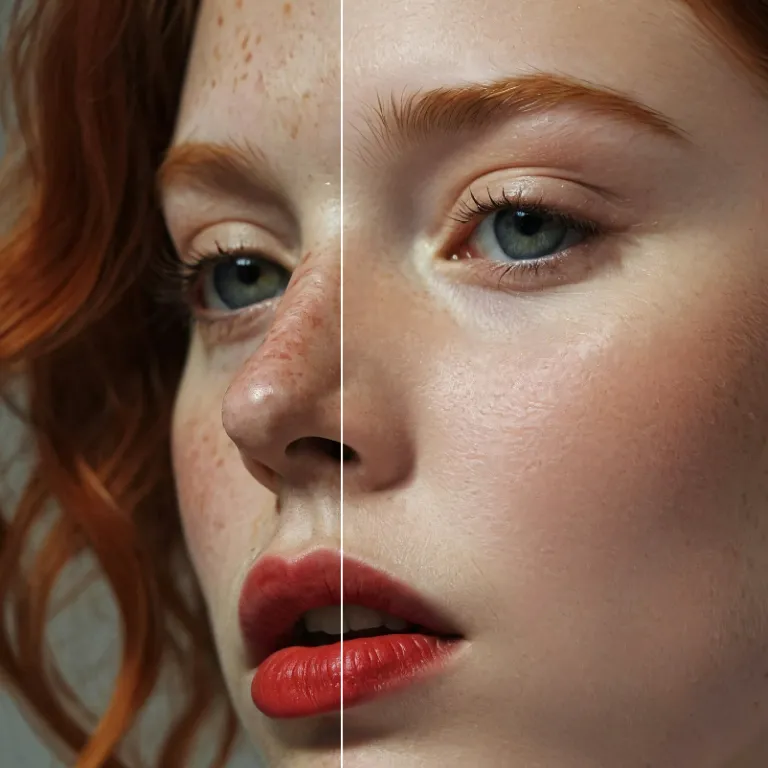
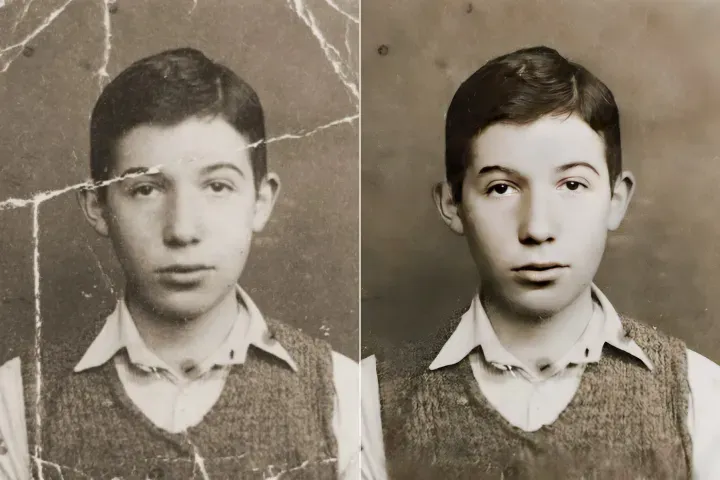
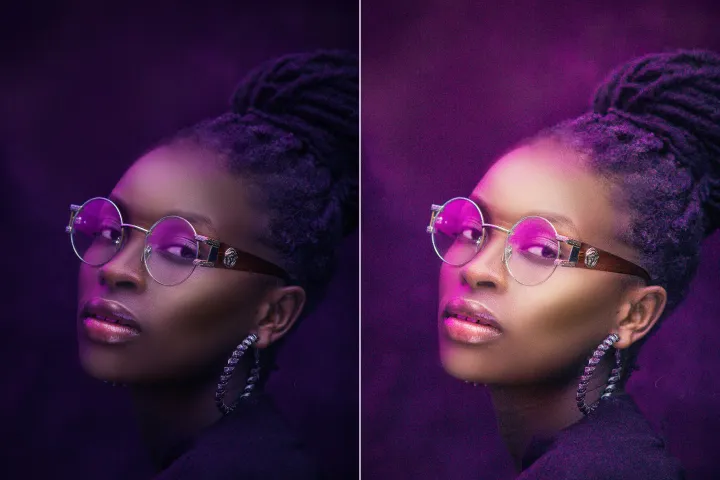
Enhance Photo
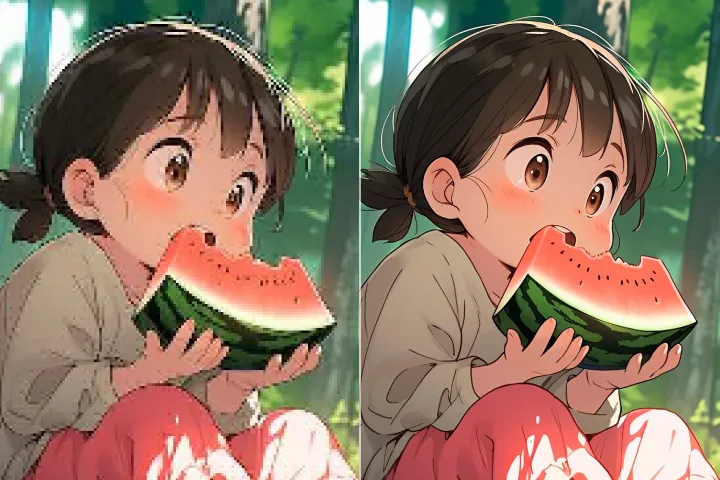
Automatically enhance the blurry photo's resolution and increase the overall quality.
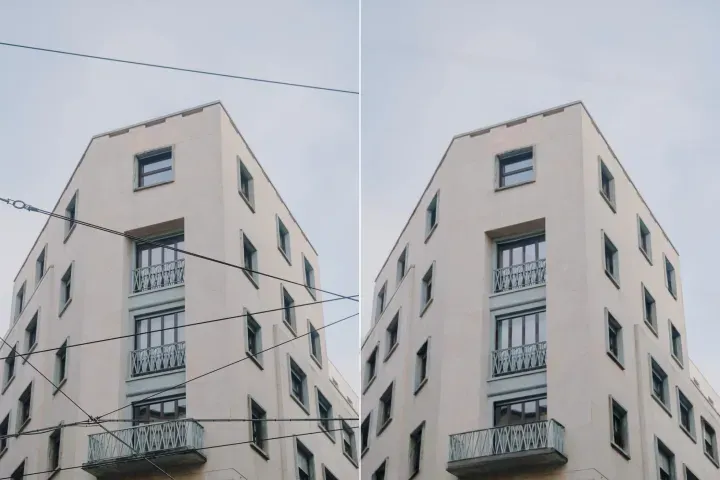
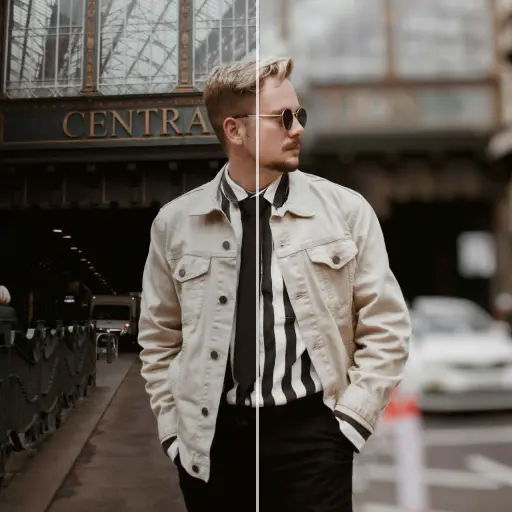
Remove Objects
AIPhotor's One-Touch AI simply detects and removes unwanted details in your picture.
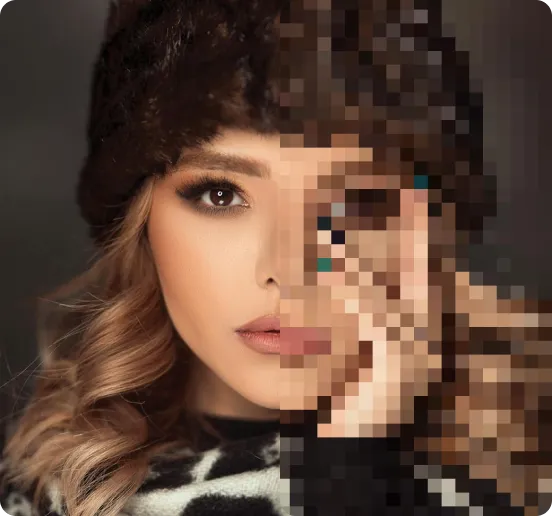
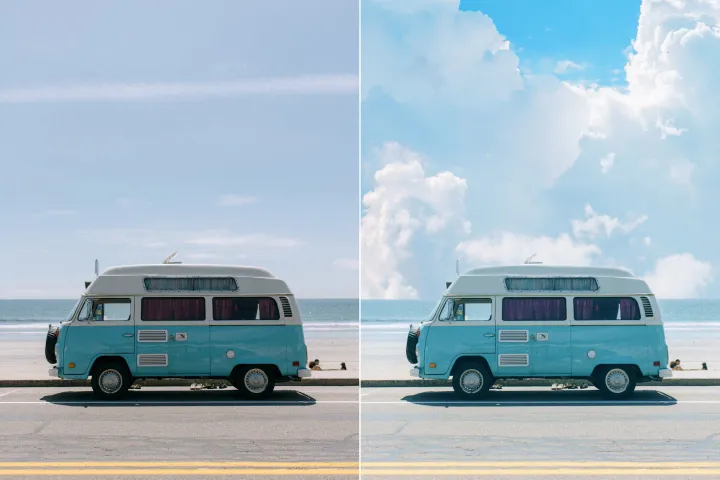
Remove Background
Seamlessly remove background from photos. Edit background with 100+ well-designed templates.


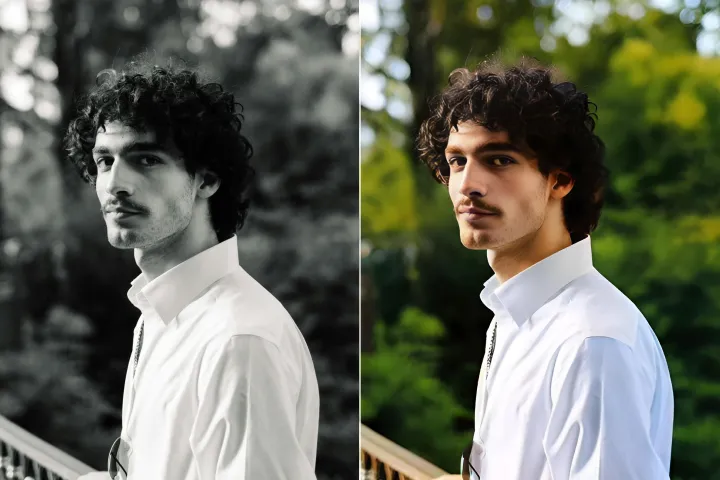
Remove Objects
from Images
AI-driven detection and removal of unwanted elements across layered PDFs, with preservation of intended content and layer structure.





How to Remove Elements from Layered PDFs with AI
Follow four structured steps to clean layered PDFs, preserving visibility, order, and relationships between layers:
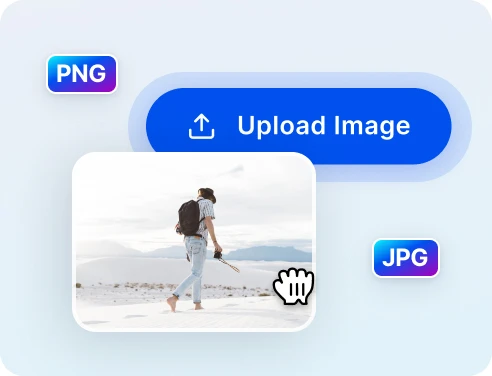
1 Upload your photo
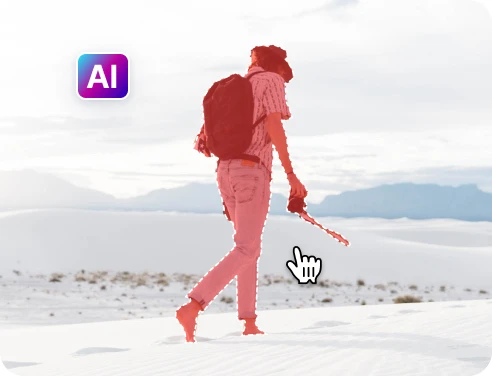
2 Select objects to remove
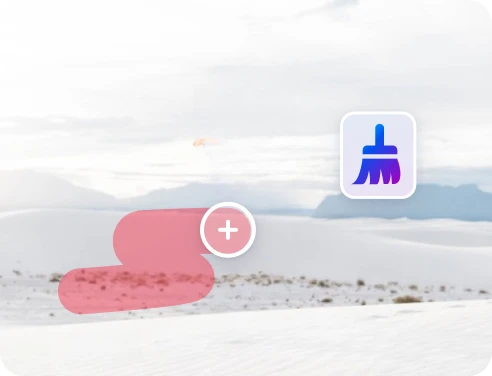
3 Adjust and preview
4 Download & share
Fast & Precise Object Removal Powered by AI
Advanced object removal AI
Layer-aware processing enables faster, more precise removal of unwanted elements than manual edits within multi-layer PDFs.
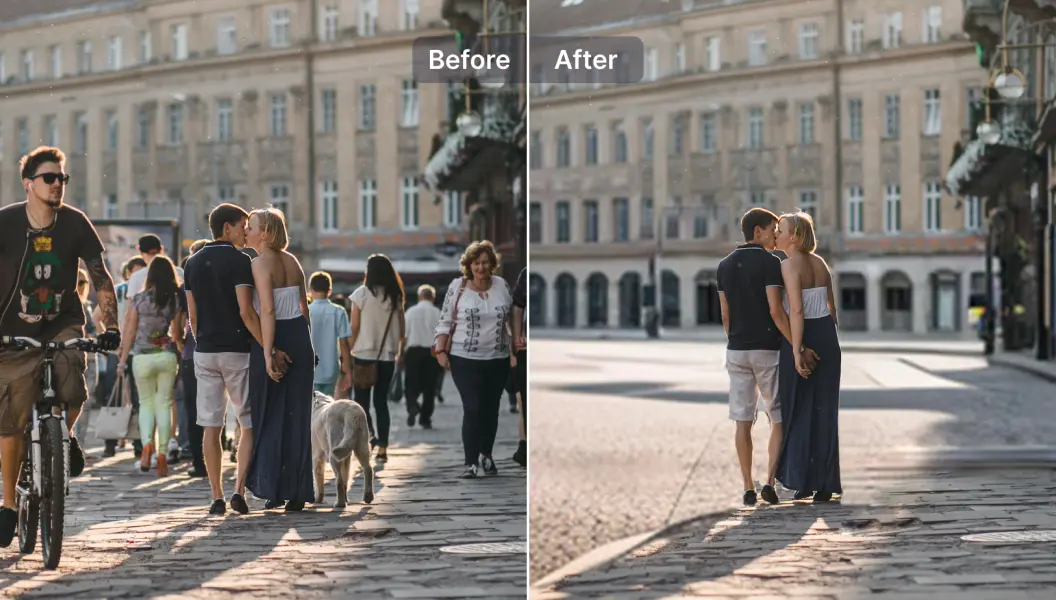
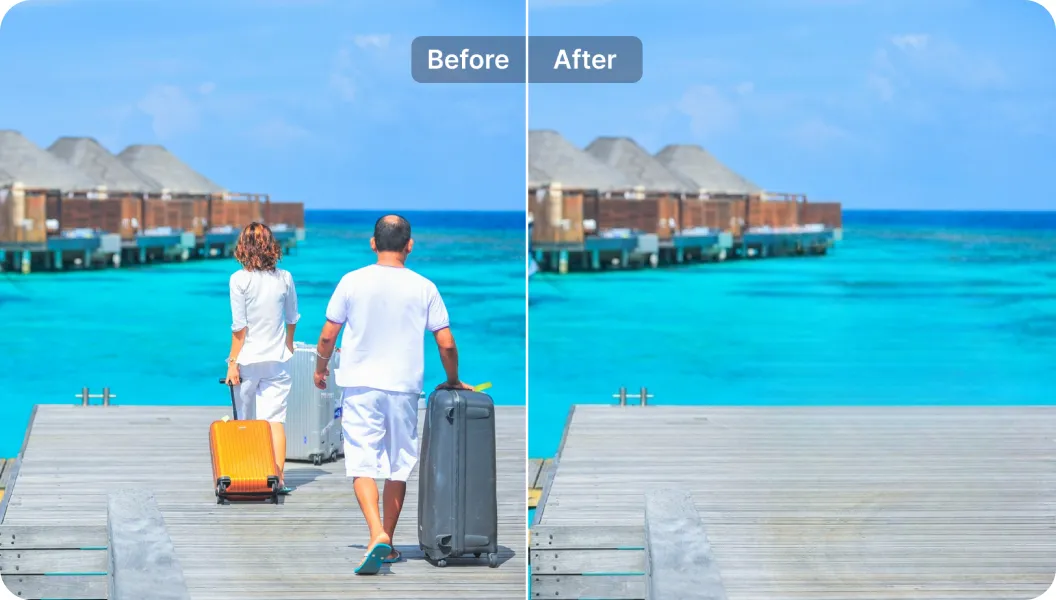
Clean travel photos
Effortlessly remove distracting elements from layered pages in a multi-layer document while preserving overall structure.
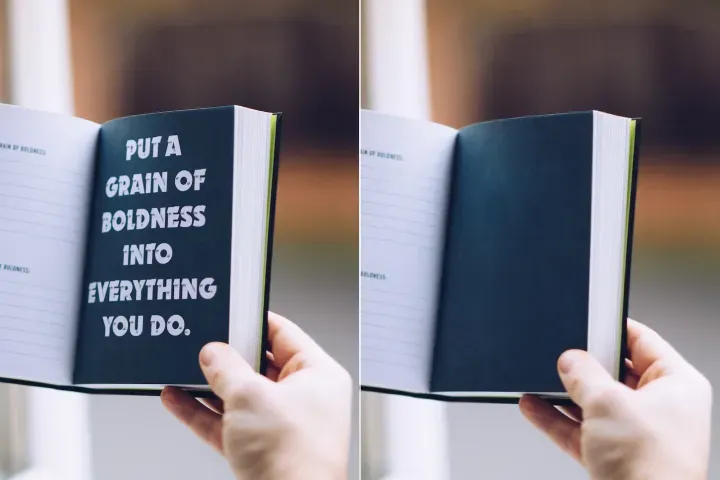
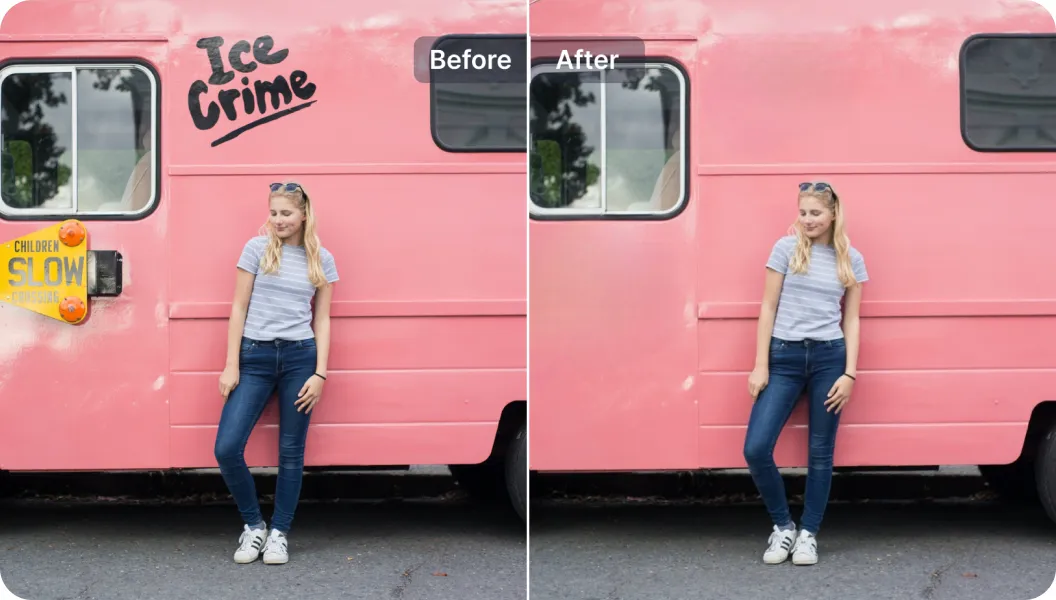
Remove unwanted text
Delete existing text across layers and insert new captions with consistent typography within the PDF Layer Management workflow.

Free to Try
AIPhotor is free to try for 3 days, after which you can subscribe to one of our incredible value plans.

Free to Try
We automatically sharpen and transform your images with AI to create multiple final looks. But you can also adjust and add a prompt to customize the results. Choose what works best for you!

Quick & Easy
Screen, edit, resize and download your photos lightning fast.

Compatible with all devices
AIPhotor is available on the iOS and Android stores. Our app works seamlessly across mobile, desktop, and tablet devices.
Frequently Asked Questions
-
What is AIPhotor Photo Editor?

 AIPhotor is a visual online photo editing website that leverages AI technology to help automatically remove objects/people from images; retouch, enhance, colorize, correct, cartoonize, and animate photos in a snap, replacing other photo editing tools Photoshop, Pixlr editor, or Photopea.
Or just drag & drop image here, upto 50 images at once
Or just drag & drop image here, upto 50 images at once
Frequently Asked Questions
-
What is AIPhotor Photo Editor?
AIPhotor is a visual online photo editing website that leverages AI technology to help automatically remove objects/people from images; retouch, enhance, colorize, correct, cartoonize, and animate photos in a snap, replacing other photo editing tools Photoshop, Pixlr editor, or Photopea.
