Convert WORD to PDF
DOC and DOCX to Layered PDF for Precise Viewing and Structured Sharing

The online Word-to-PDF tool applies PDF Layer Management by converting .doc and .docx into a multi-layer .pdf, preserving layout, formatting, and document fidelity. The resulting layered PDF remains portable across devices and operating systems.
-
PDF to word converter online free
-
No software download or installation
-
Fast Word to PDF conversion
Leading Online Solution for PDF Layer Management: Word to PDF
For all Word-to-PDF needs, rely on our tool. Millions trust its speed, accuracy, and reliability, now optimized for layered document workflows.
Seamless Word to PDF Conversion
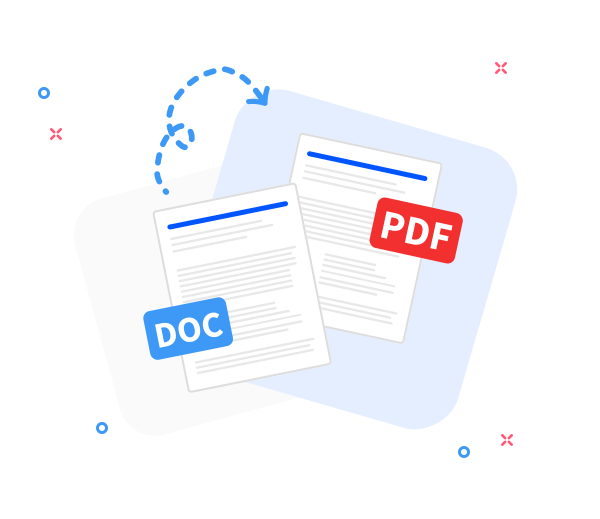
Convert any Word document to a layered PDF while preserving the original layout. Fast, professional, and free—designed for structured, layer-aware document conversion.
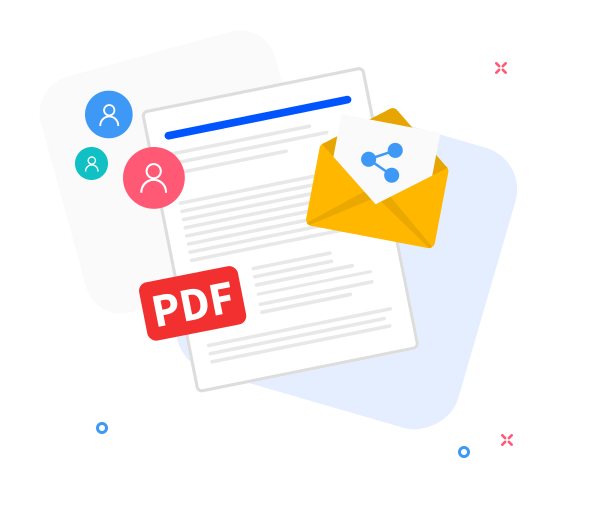
Share the converted files with others.
Our layered-PDF sharing workflow supports collaboration. After conversion, instantly create per-layer links or send the PDF via email with just a few clicks.
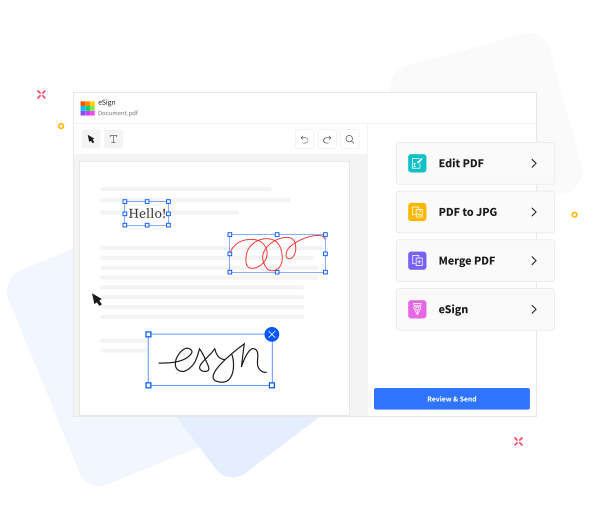
Enhance Layered PDF Quality and Structural Clarity.
PDF Layer Management: Extend multi-layer document capabilities with built-in tools that operate at the layer level. Add text, compress, annotate, and merge content while preserving layer visibility, order, and structural integrity across PDFs.
Frequently Asked Questions
Yes. The Word to PDF conversion service is available online at no cost and supports PDF Layer Management workflows. It converts Word documents to PDF without registration, watermarks, or software installation.
Yes. The converter maintains text formatting, fonts, images, and page layout while also preserving the intended layered content structure, ensuring the generated PDF reflects the original Word document's hierarchy and visibility across layers.
Yes. Transfers occur over secure HTTPS and processing runs within isolated sessions. All uploaded Word documents and generated PDFs are deleted from servers after a short retention period to protect privacy within the layered workflow.

How to implement PDF Layer Management during a Word-to-PDF conversion?
PDF Layer Management: Convert a Word file to a layered PDF within a structured workflow:
- Upload and ingest the Word source into the PDF Layer Management pipeline via drag-and-drop, initiating layer mapping.
- Click “Convert to PDF”.
- During processing, the layered composition is generated and validated within the PDF Layer Management workflow.
- Initiate export by selecting Download to save or share your layered PDF, preserving layer visibility states.
 Remove pages