
{{ getFeatureName(action_mode) }} your image

Drop your image here.
Our popular AI tools
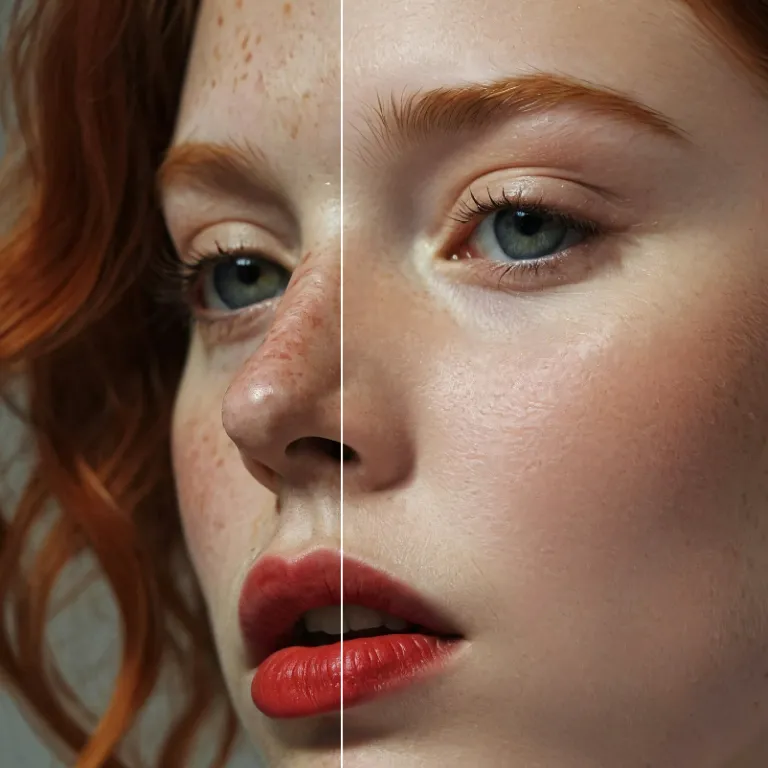
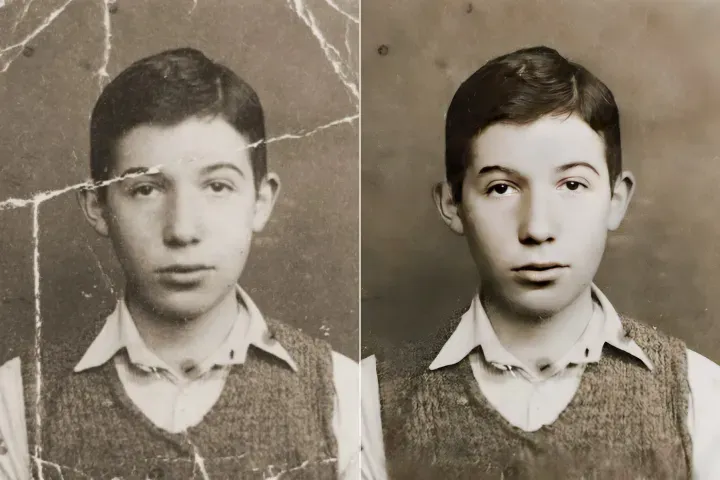
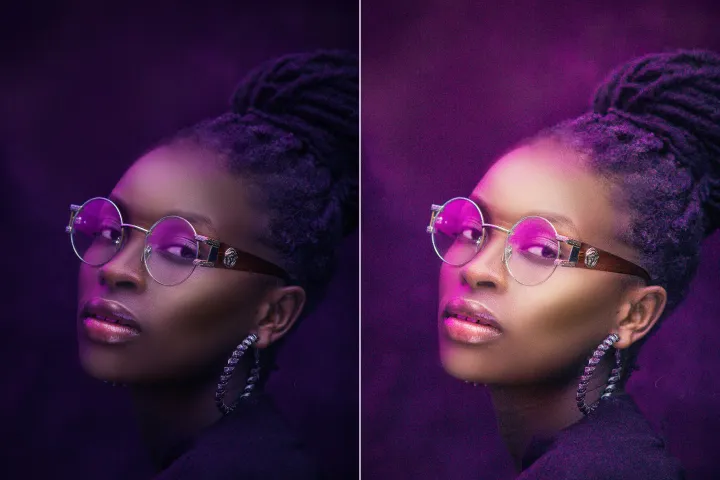
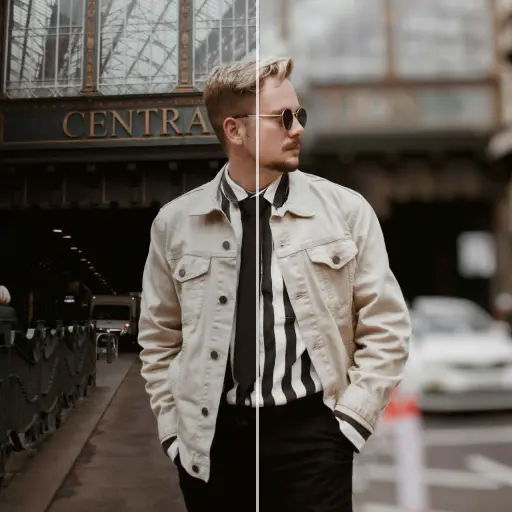
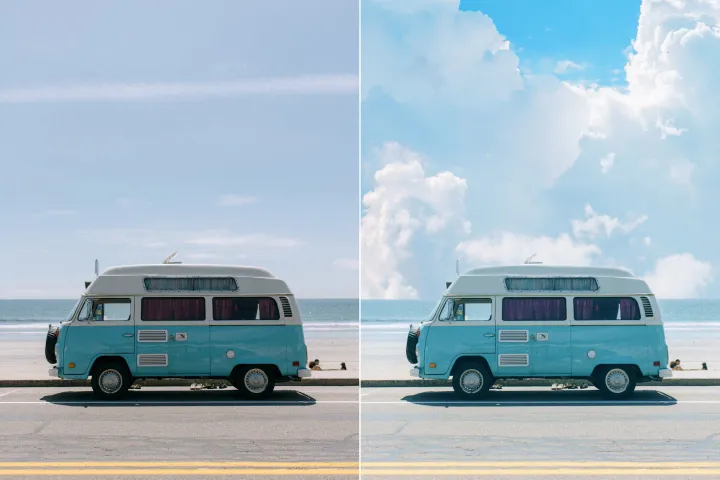
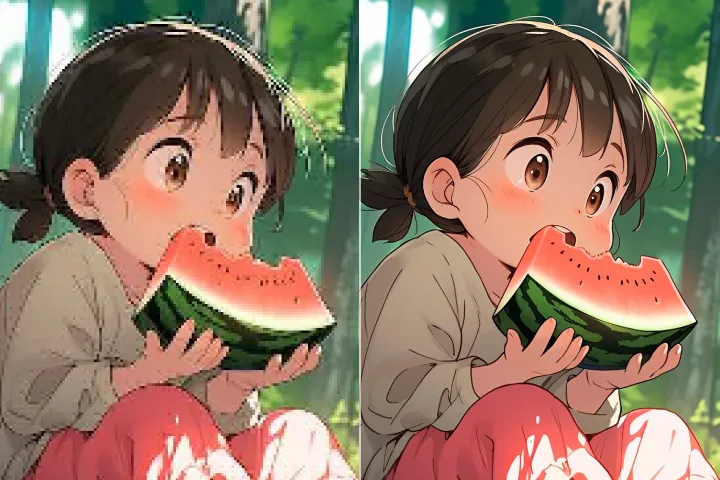
Enhance Photo
Automatically enhance the blurry photo's resolution and increase the overall quality.
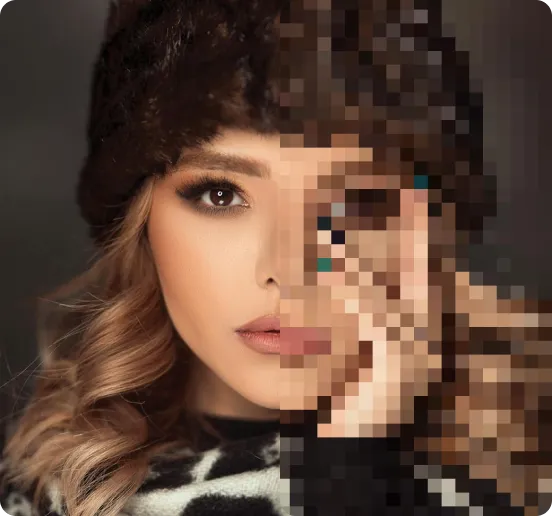
Remove Objects
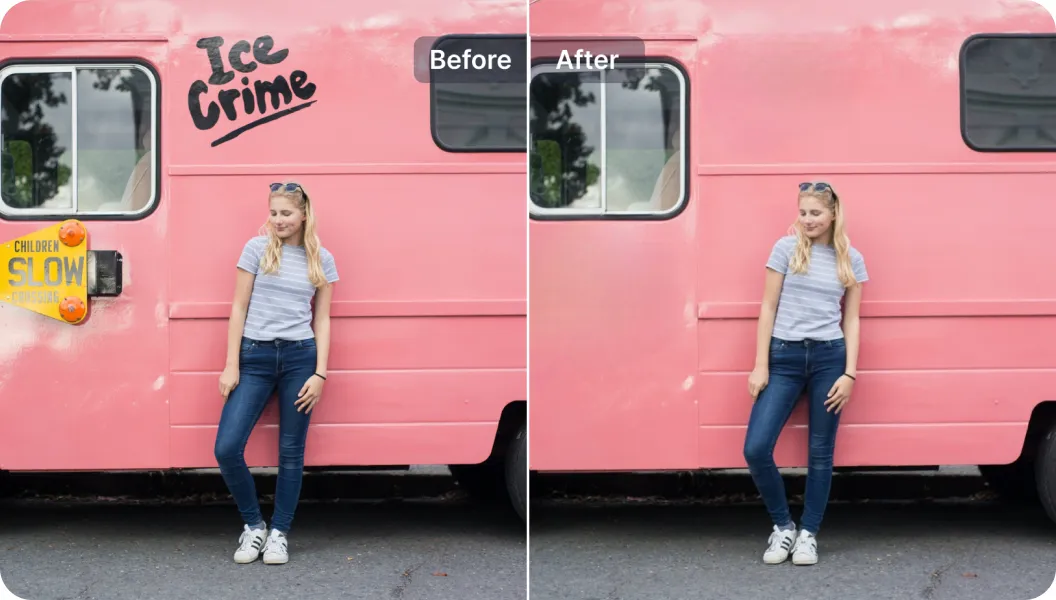
AIPhotor's One-Touch AI simply detects and removes unwanted details in your picture.
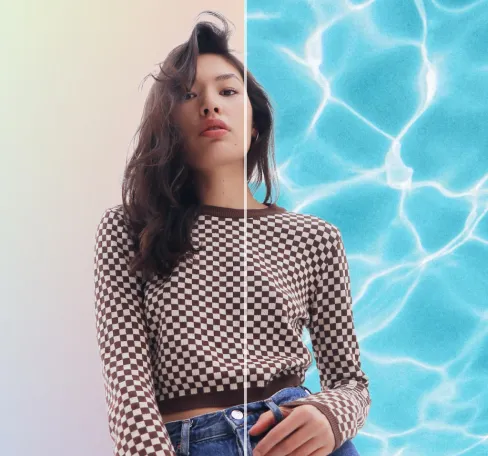
Remove Background
Seamlessly remove background from photos. Edit background with 100+ well-designed templates.

ลบวัตถุ
จากภาพถ่าย
การตรวจจับและกำจัดองค์ประกอบที่ไม่ต้องการบน PDFs หลายชั้นโดยอาศัย AI พร้อมกับการรักษาเนื้อหาที่ตั้งใจไว้และโครงสร้างชั้นของเอกสาร





วิธีลบองค์ประกอบออกจาก PDFs หลายชั้นด้วย AI
ทำตามสี่ขั้นตอนที่มีโครงสร้างเพื่อทำความสะอาด PDFs หลายชั้น โดยรักษาการมองเห็น ลำดับ และความสัมพันธ์ระหว่างชั้นไว้:
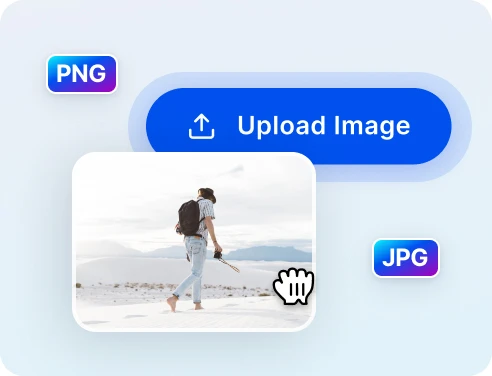
1 อัปโหลดภาพเพื่อทำความสะอาด
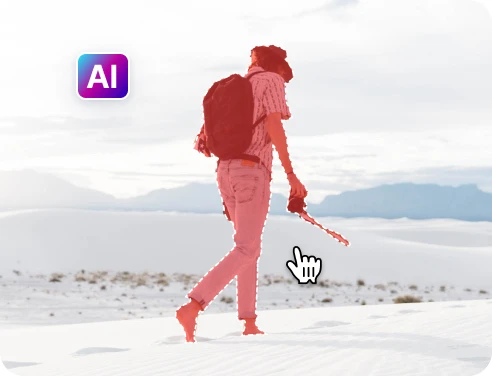
2 เลือกวัตถุที่จะลบ
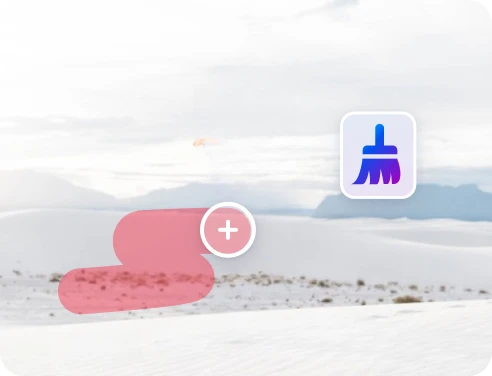
3 ปรับและดูตัวอย่าง
4 ดาวน์โหลดและแชร์
การลบวัตถุที่รวดเร็วและแม่นยำด้วย เทคโนโลยี AI
AI ลบวัตถุได้อย่างทรงพลัง
การประมวลผลที่ตระหนักถึงเลเยอร์ช่วยให้การลบองค์ประกอบที่ไม่ต้องการเร็วขึ้นและแม่นยำมากขึ้นกว่าการแก้ไขด้วยมือใน PDFs หลายเลเยอร์
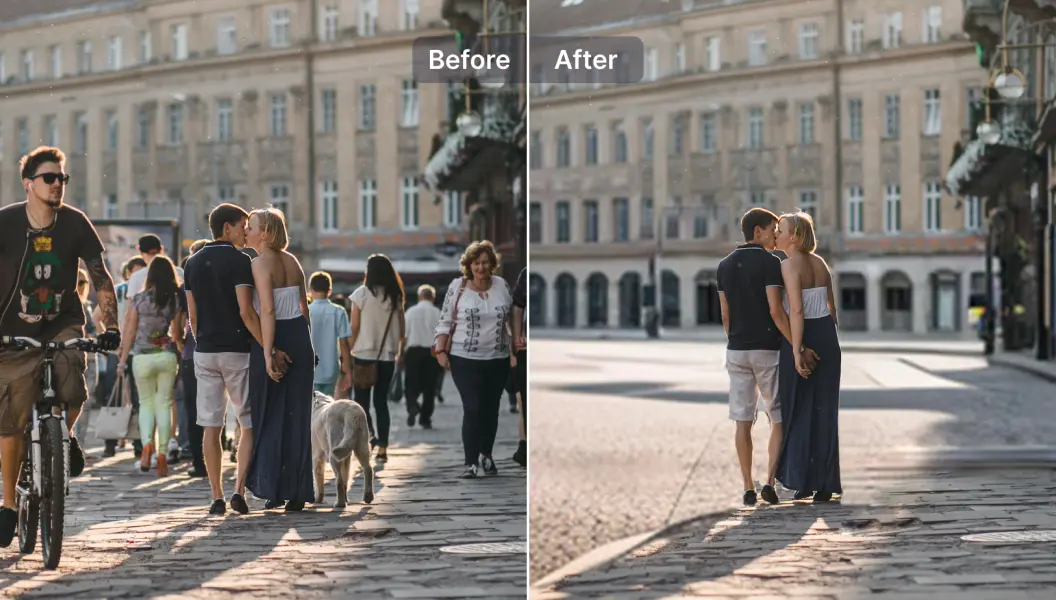
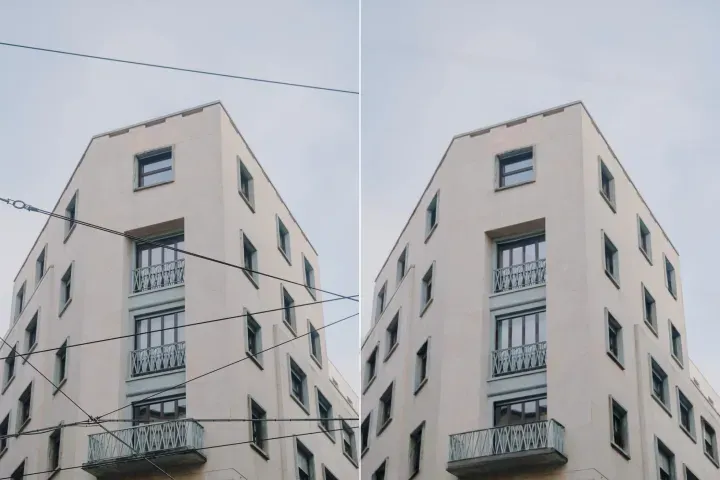
ลบนักท่องเที่ยวออกจากภาพถ่ายการเดินทาง
ลบองค์ประกอบที่ทำให้รบกวนออกจากหน้าที่มีเลเยอร์หลายชั้นในเอกสารหลายชั้นโดยรักษาโครงสร้างโดยรวม
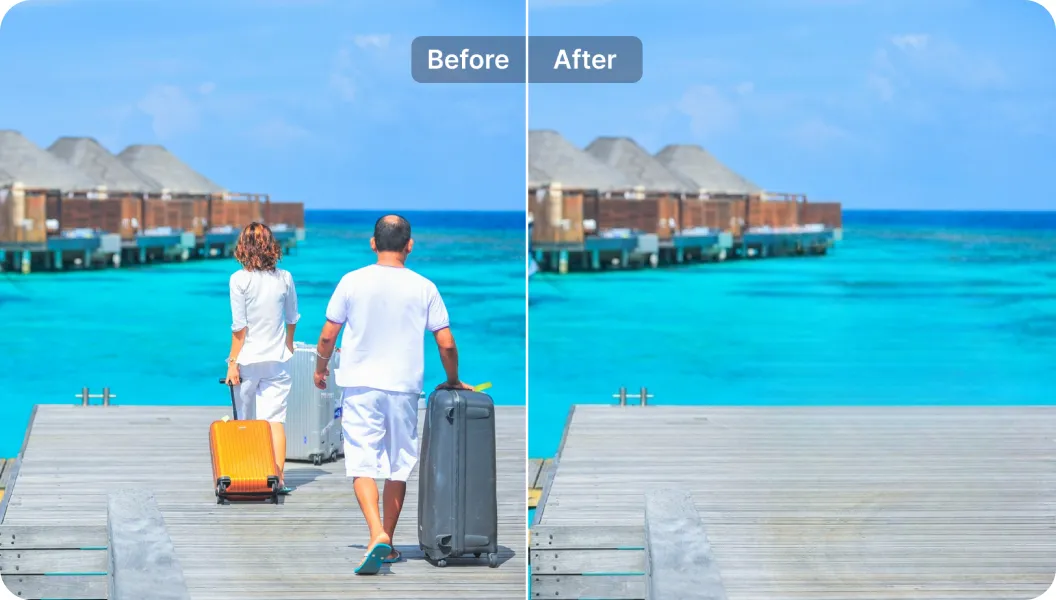
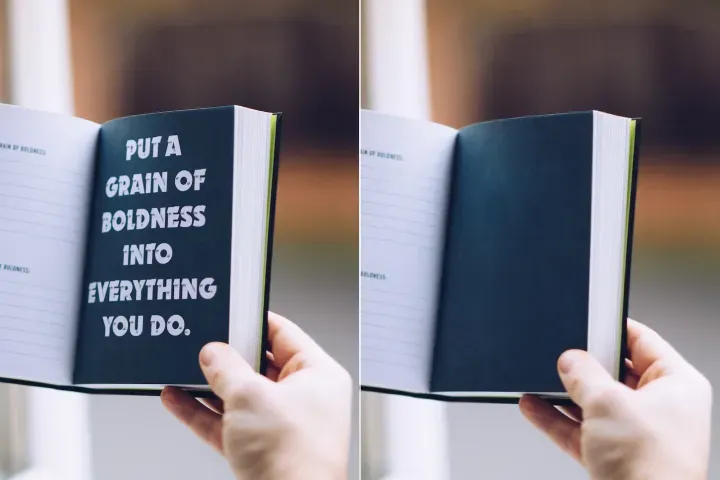
ลบข้อความที่ไม่ต้องการ
ลบข้อความที่มีอยู่ข้ามเลเยอร์และใส่คำอธิบายใหม่ด้วยประเภทตัวออักษรที่สอดคล้องกันภายในกระบวนการจัดการเลเยอร์ PDF

Free to Try
AIPhotor is free to try for 3 days, after which you can subscribe to one of our incredible value plans.

Free to Try
We automatically sharpen and transform your images with AI to create multiple final looks. But you can also adjust and add a prompt to customize the results. Choose what works best for you!

Quick & Easy
Screen, edit, resize and download your photos lightning fast.

Compatible with all devices
AIPhotor is available on the iOS and Android stores. Our app works seamlessly across mobile, desktop, and tablet devices.
Frequently Asked Questions
-
What is AIPhotor Photo Editor?

 AIPhotor is a visual online photo editing website that leverages AI technology to help automatically remove objects/people from images; retouch, enhance, colorize, correct, cartoonize, and animate photos in a snap, replacing other photo editing tools Photoshop, Pixlr editor, or Photopea.
Or just drag & drop image here, upto 50 images at once
Or just drag & drop image here, upto 50 images at once
Frequently Asked Questions
-
What is AIPhotor Photo Editor?
AIPhotor is a visual online photo editing website that leverages AI technology to help automatically remove objects/people from images; retouch, enhance, colorize, correct, cartoonize, and animate photos in a snap, replacing other photo editing tools Photoshop, Pixlr editor, or Photopea.
