
{{ getFeatureName(action_mode) }} your image

Drop your image here.
Our popular AI tools
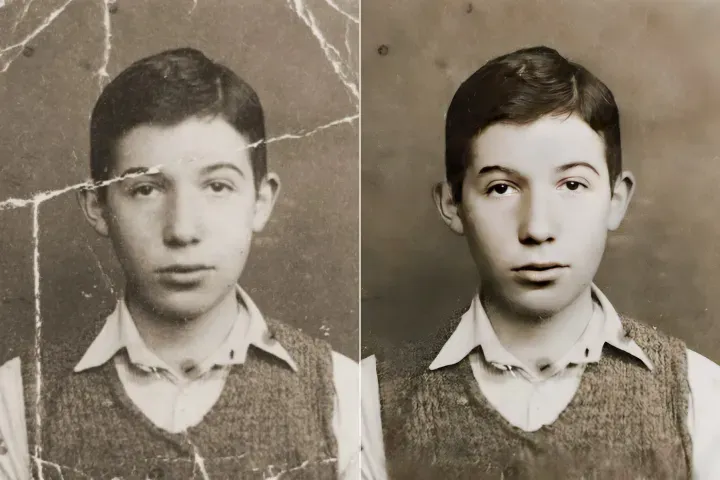
Enhance Photo
Automatically enhance the blurry photo's resolution and increase the overall quality.
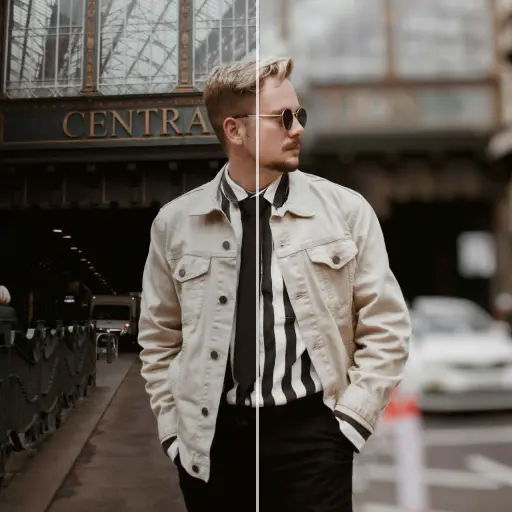
Remove Objects
AIPhotor's One-Touch AI simply detects and removes unwanted details in your picture.
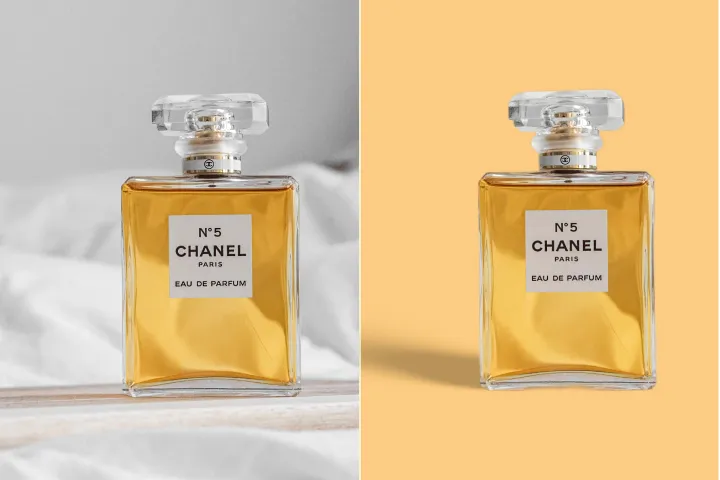
Remove Background
Seamlessly remove background from photos. Edit background with 100+ well-designed templates.
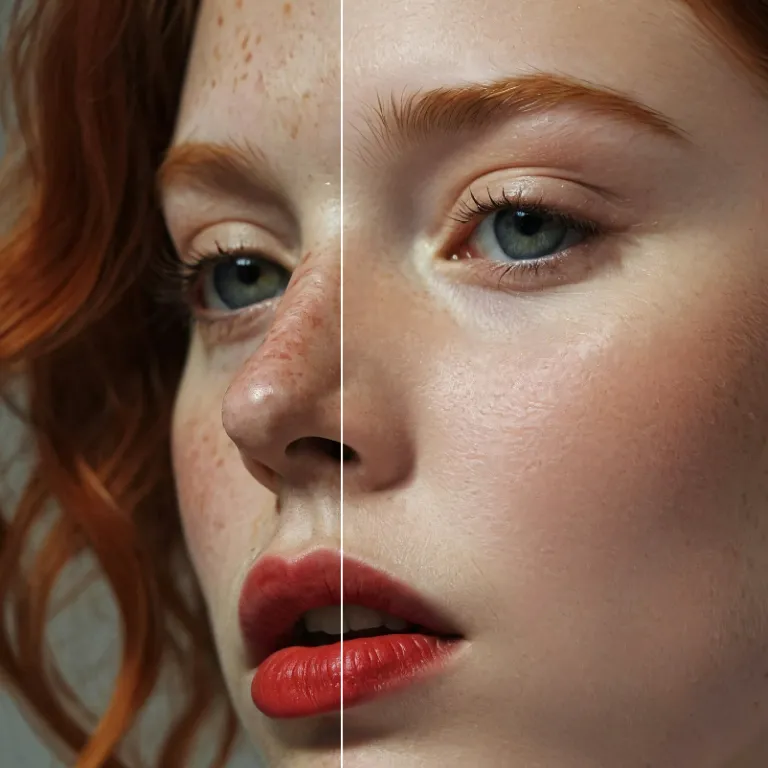
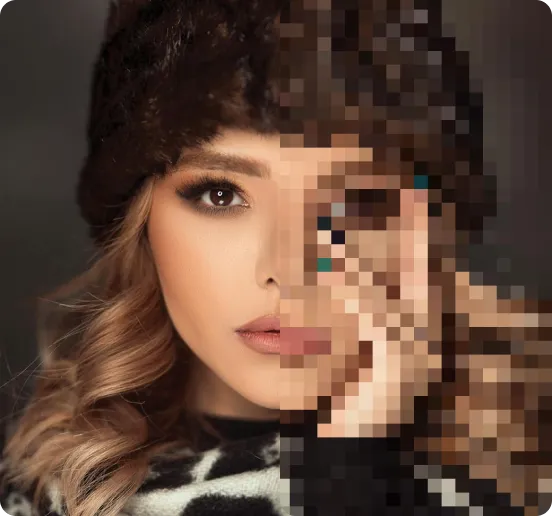
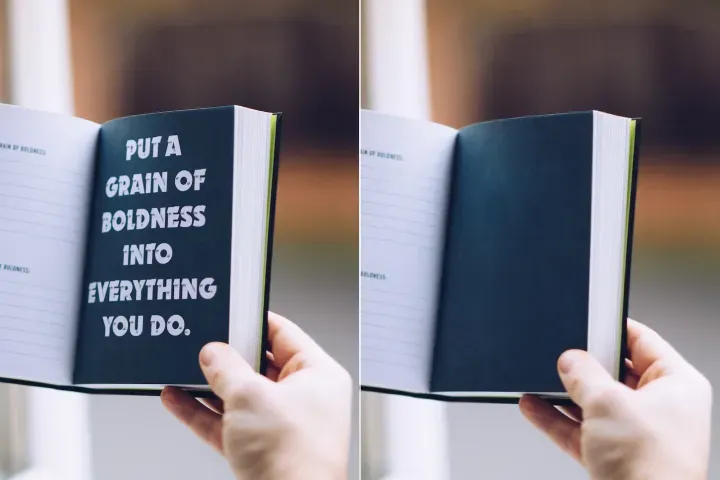
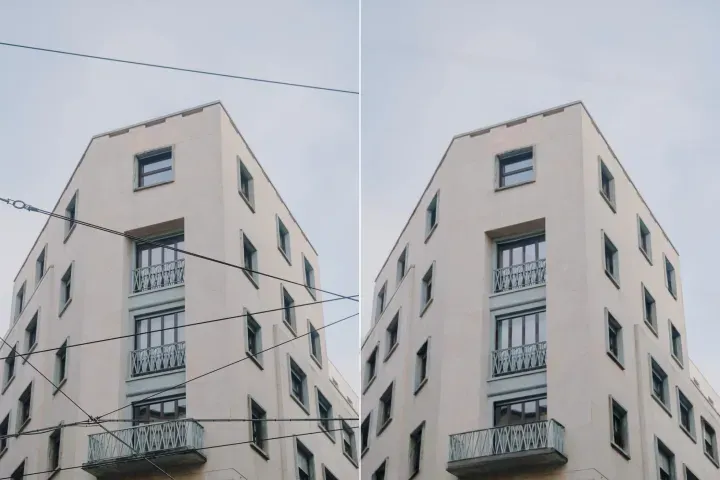
ปรับปรุงคุณภาพภาพถ่ายออนไลน์
ด้วย AI
การจัดการเลเยอร์ PDF: เพิ่มความสมจริงทางสายตาของเอกสารใน PDFs ที่มีชั้น โดยใช้ AI Layer Enhancer ขั้นสูงของ PdfLyr ที่มอบรายละเอียดคมชัดและแม่นยำในเวิร์กโฟลว์ที่มีโครงสร้าง




การจัดการเลเยอร์ PDF: วิธีใช้ชุดเครื่องมือ Layered PDF
จัดการ PDFs หลายชั้นบนอุปกรณ์ต่าง ๆ ด้วยเวิร์กโฟลว์ที่มีโครงสร้างและมุ่งเน้นไปที่เลเยอร์ตามขั้นตอนที่แม่นยำสามขั้นตอนโดยใช้ PdfLyr:
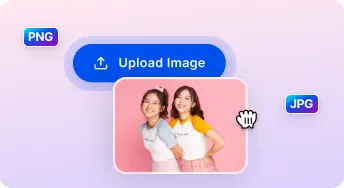
1 อัปโหลดภาพ
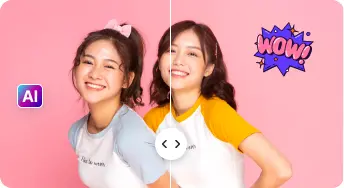
2 เปรียบเทียบและปรับ:

3 ดาวน์โหลดและแชร์:
AI แบบครบวงจร ชุดเพิ่มประสิทธิภาพภาพถ่าย
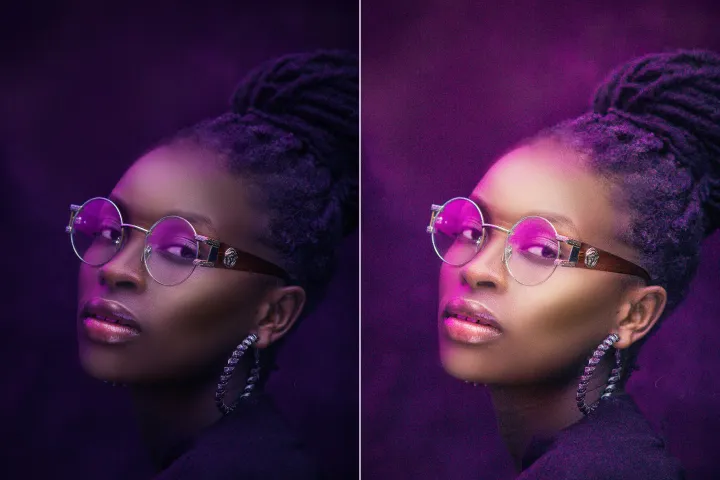
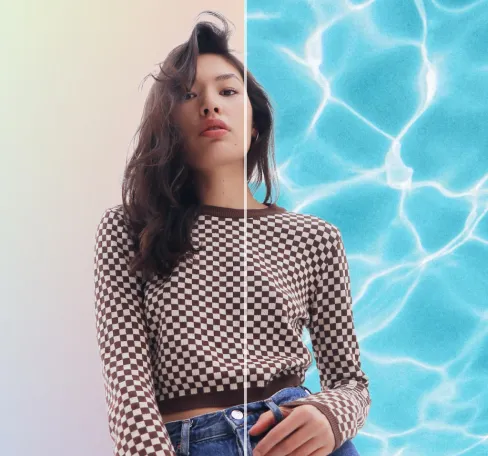
ปรับปรุงภาพบุคคลและเซลฟี
รักษาความสมบูรณ์ของเนื้อหาผ่านชั้นต่างๆ ในขณะเน้นบริเวณที่เลือกโดยไม่แก้ไขข้ามชั้นโดยไม่ตั้งใจ
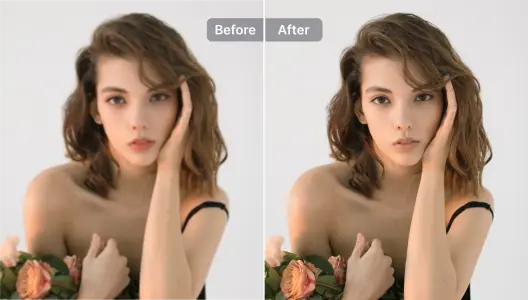
ปรับปรุงภาพสินค้
ปรับปรุงเนื้อหาราสเตอร์ในชั้นที่กำหนดเพื่อความคมชัดยิ่งขึ้น; ใช้การมาสก์พร้อมกับลบชั้นพื้นหลังเพื่อการประกอบที่ดูเป็นมืออาชีพ
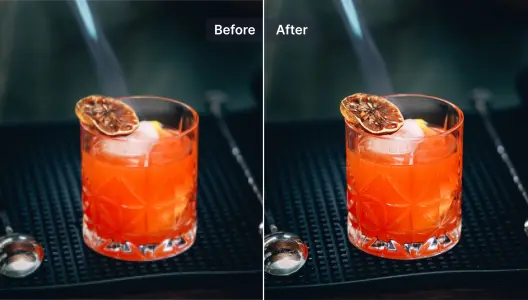
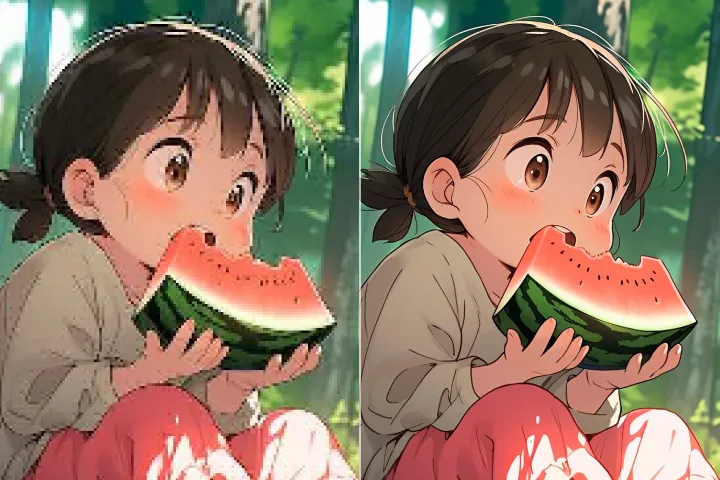
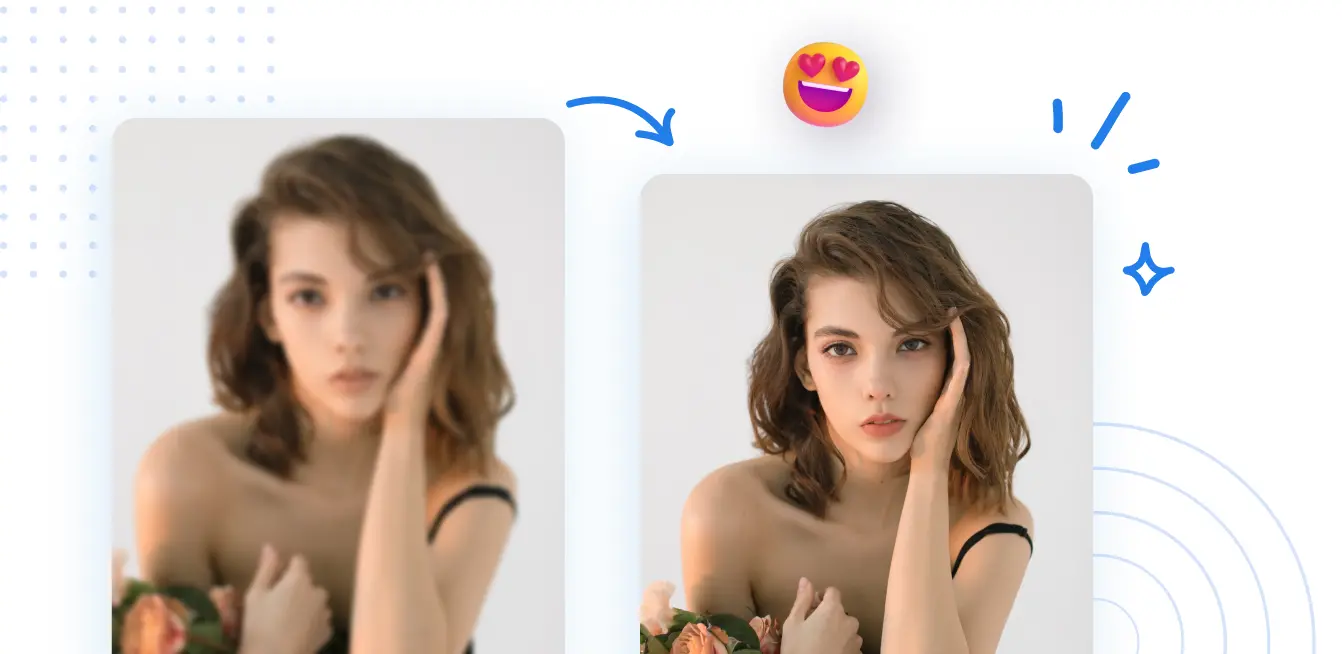
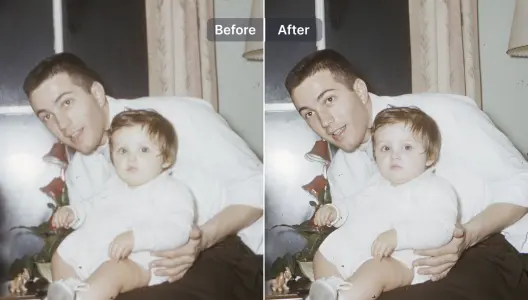
ปรับปรุงและซ่อมแซมภาพที่เบลอ
บรรเทาความเบลอในเนื้อหาที่มีหลายชั้นและก่อสร้างรายละเอียดใหม่ผ่านการฟื้นฟูด้วย AI ในชุดชั้นของเอกสาร
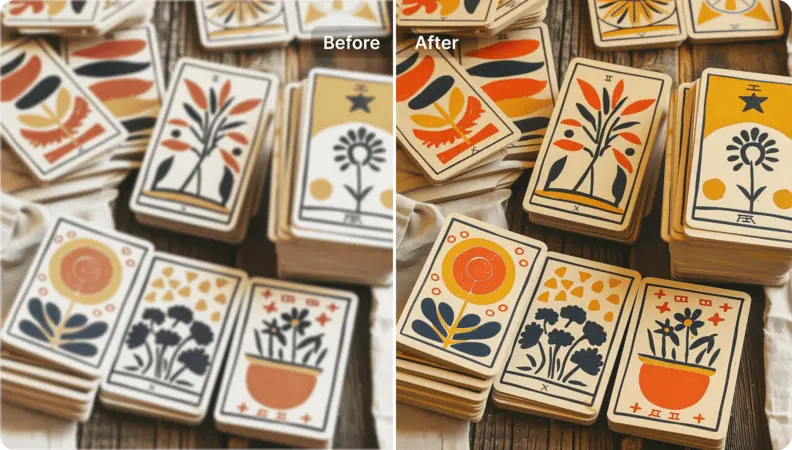
ปรับปรุงงานภาพประกอบและออกแบบกราฟิก
ยกระดับความละเอียดและเพิ่มคุณค่าให้กับองค์ประกอบเวกเตอร์และราสเตอร์ในทุกชั้น ในขณะเดียวกันรักษาการจัดแนว ลำดับชั้น และความสมบูรณ์ทางศิลปะของการประกอบชั้นหลายชั้น
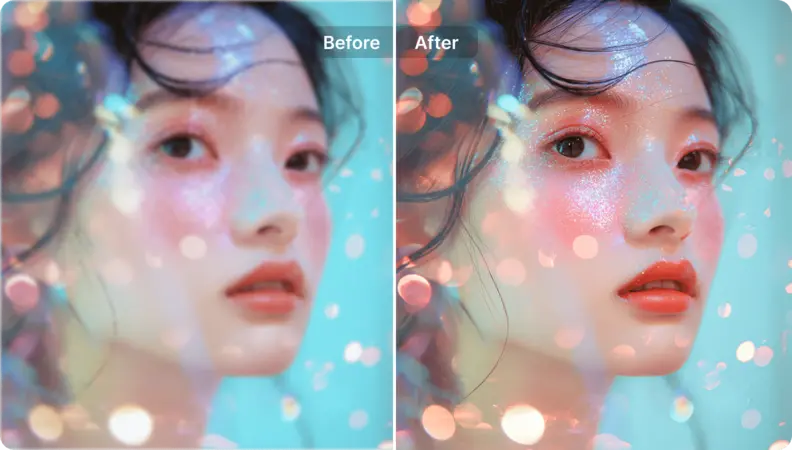
เพิ่มความละเอียดให้ภาพศิลปะ
แปลงทรัพย์สินหลายชั้น (รวมถึงวัสดุที่สร้างด้วย AI) ให้เป็นเอาต์พุตที่มีความละเอียดสูงและพร้อมสำหรับการแสดงผลภายในเวิร์กโฟลวของ PDF
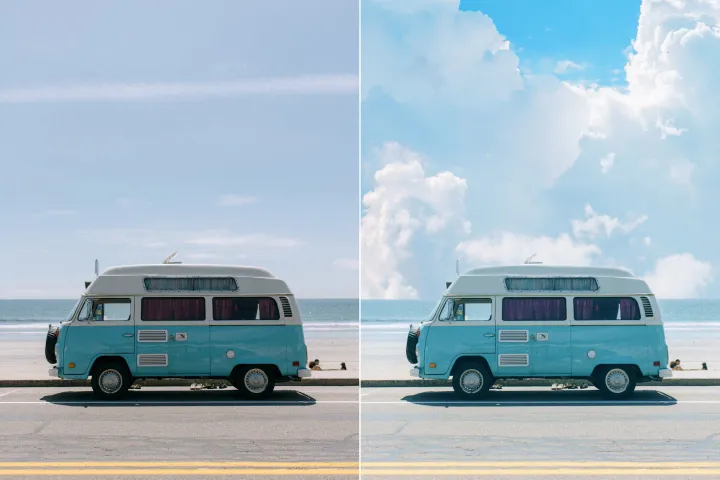
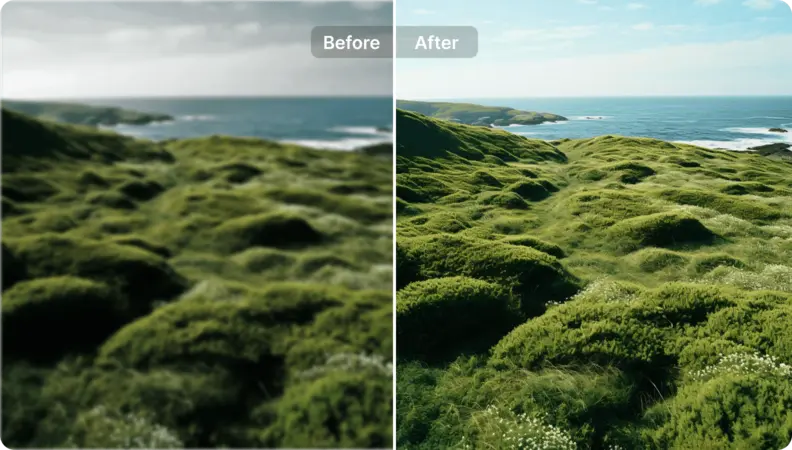
เติมชีวิตใหม่ให้กับภาพถ่ายทิวทัศน์
การจัดการเลเยอร์ PDF: ยกระดับกราฟิกของเอกสารหลายชั้นด้วยการปรับปรุงที่แม่นยำโดยคำนึงถึงเลเยอร์ ใช้ชุดคำแนะนำที่มีโครงสร้างเพื่อแนะนำการปรับปรุงระหว่างเลเยอร์ต่างๆ เพื่อให้ลำดับชั้นและความสมบูรณ์ของภาพยังคงสอดคล้อง

Free to Try
AIPhotor is free to try for 3 days, after which you can subscribe to one of our incredible value plans.

Free to Try
We automatically sharpen and transform your images with AI to create multiple final looks. But you can also adjust and add a prompt to customize the results. Choose what works best for you!

Quick & Easy
Screen, edit, resize and download your photos lightning fast.

Compatible with all devices
AIPhotor is available on the iOS and Android stores. Our app works seamlessly across mobile, desktop, and tablet devices.
Frequently Asked Questions
-
What is AIPhotor Photo Editor?

 AIPhotor is a visual online photo editing website that leverages AI technology to help automatically remove objects/people from images; retouch, enhance, colorize, correct, cartoonize, and animate photos in a snap, replacing other photo editing tools Photoshop, Pixlr editor, or Photopea.
Or just drag & drop image here, upto 50 images at once
Or just drag & drop image here, upto 50 images at once
Frequently Asked Questions
-
What is AIPhotor Photo Editor?
AIPhotor is a visual online photo editing website that leverages AI technology to help automatically remove objects/people from images; retouch, enhance, colorize, correct, cartoonize, and animate photos in a snap, replacing other photo editing tools Photoshop, Pixlr editor, or Photopea.
