
{{ getFeatureName(action_mode) }} your image
Drop your image here.
Our popular AI tools
Enhance Photo
Automatically enhance the blurry photo's resolution and increase the overall quality.
Remove Objects
AIPhotor's One-Touch AI simply detects and removes unwanted details in your picture.
Remove Background
Seamlessly remove background from photos. Edit background with 100+ well-designed templates.
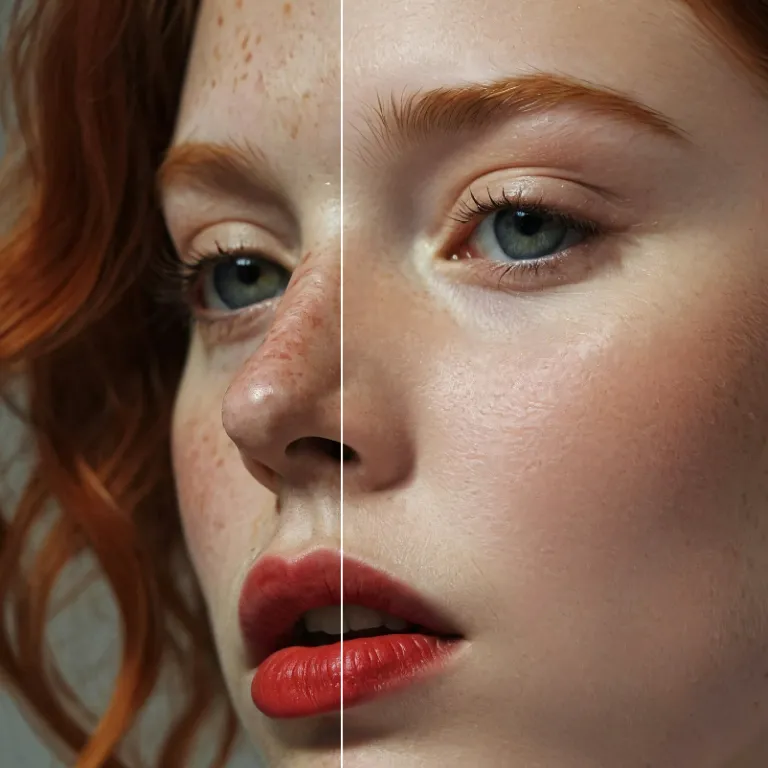
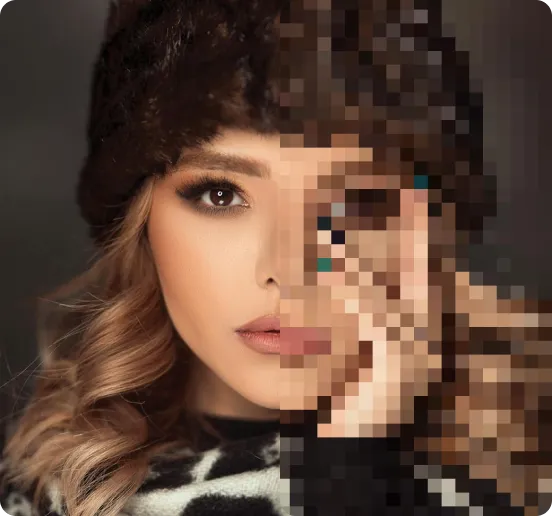
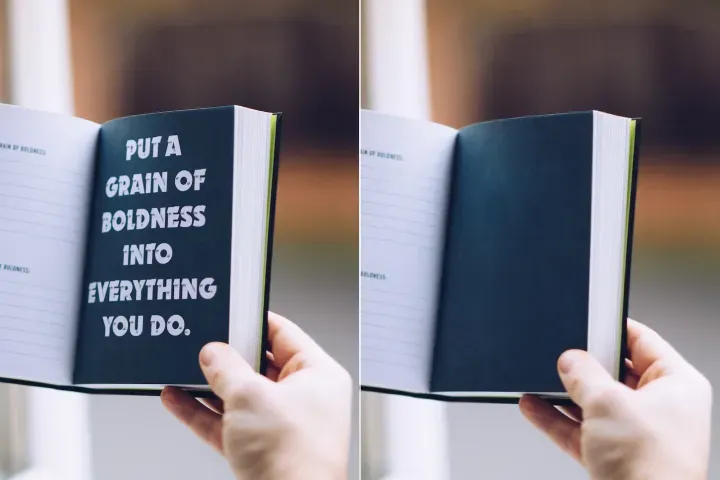
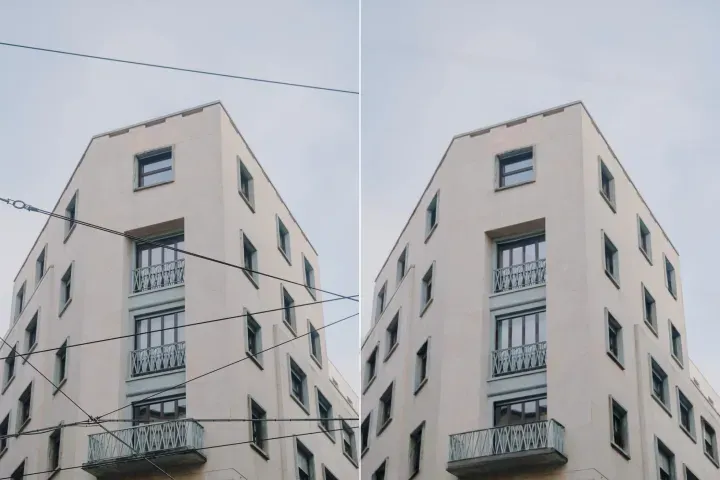
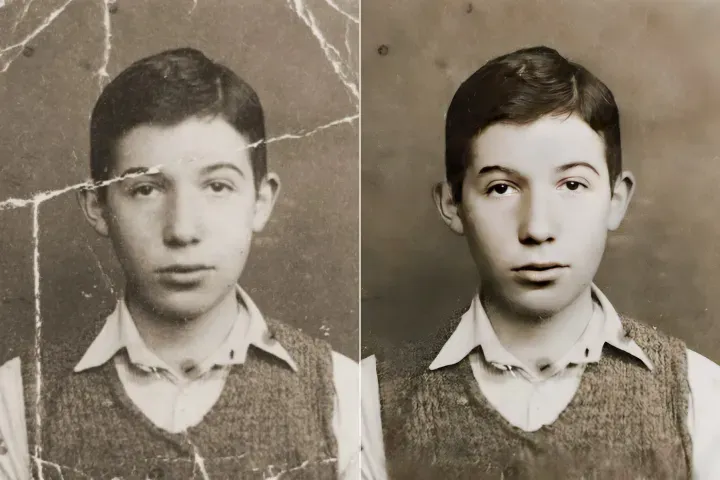
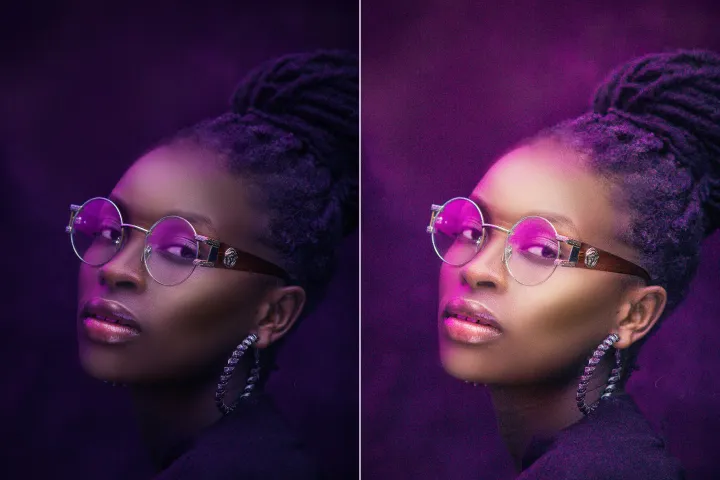
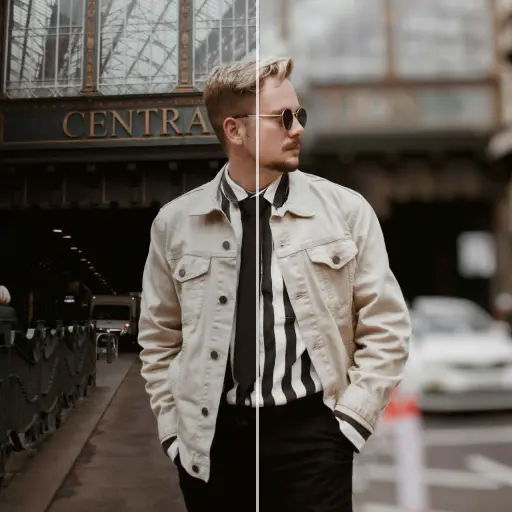
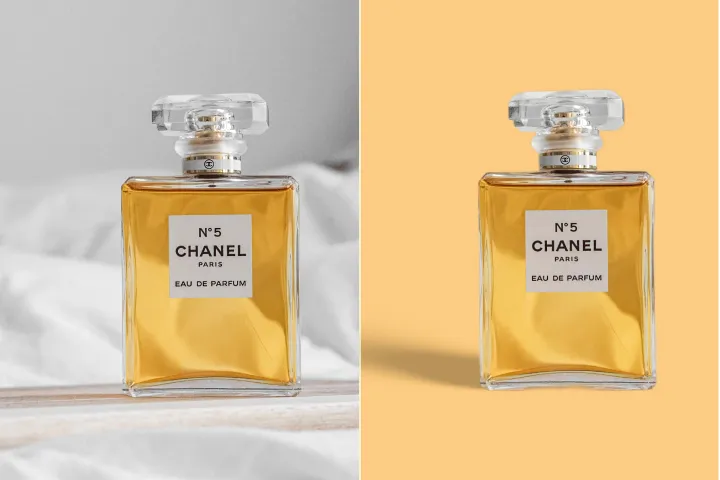
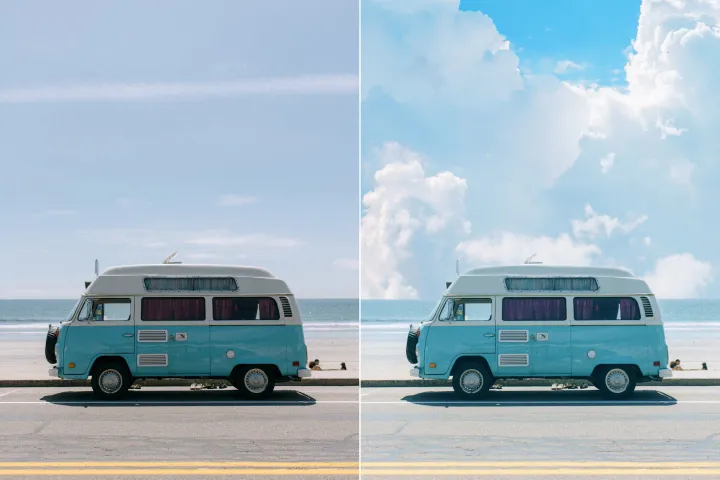
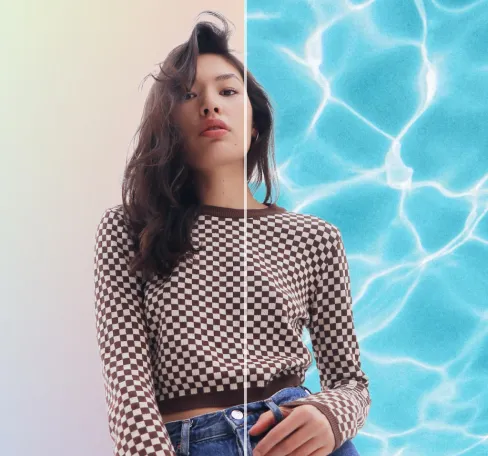
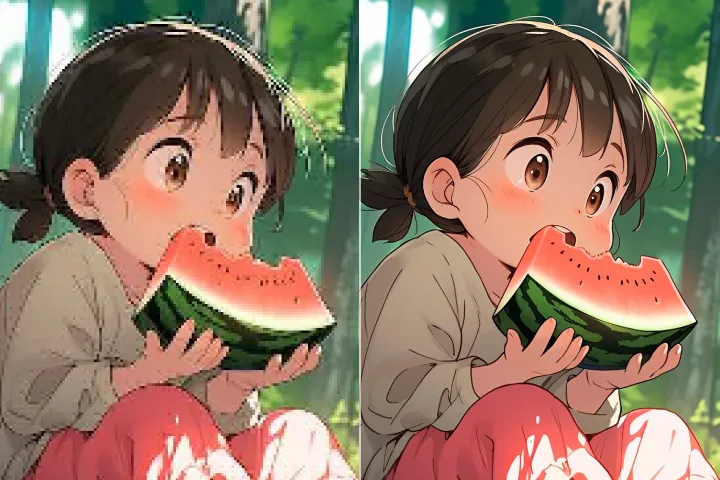
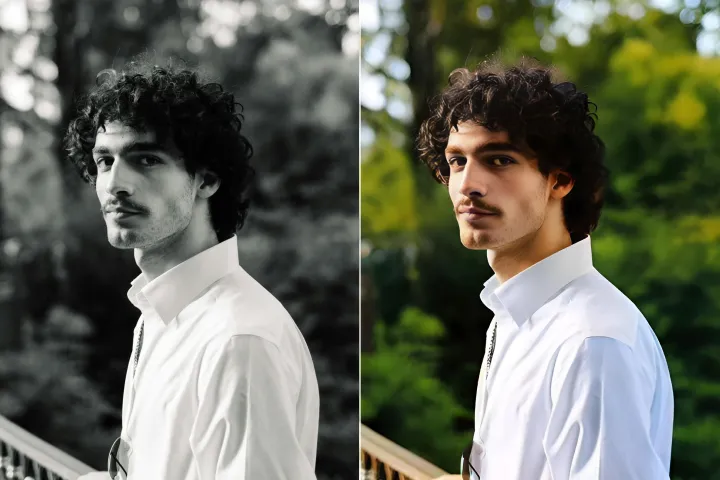
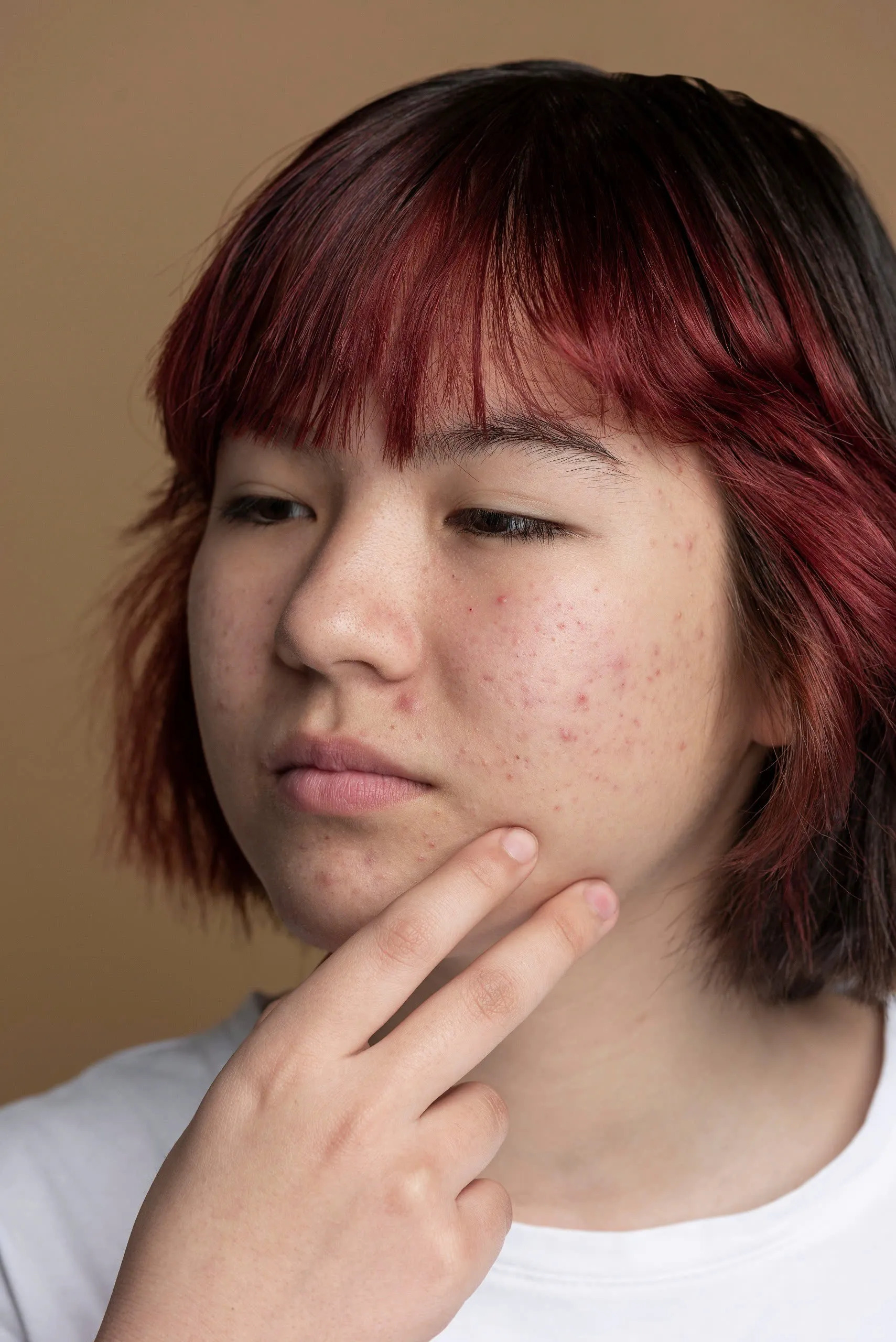
AI-huidretouchering voor foto's
Pas subtiele, niet-destructieve correcties toe op gelaagde inhoud binnen een PDF: verwijder visuele artefacten, onvolkomenheden of compressieruis over lagen met één enkele actie, waarbij typografie, vectorhelderheid en de algehele lay-outgetrouwheid behouden blijven.
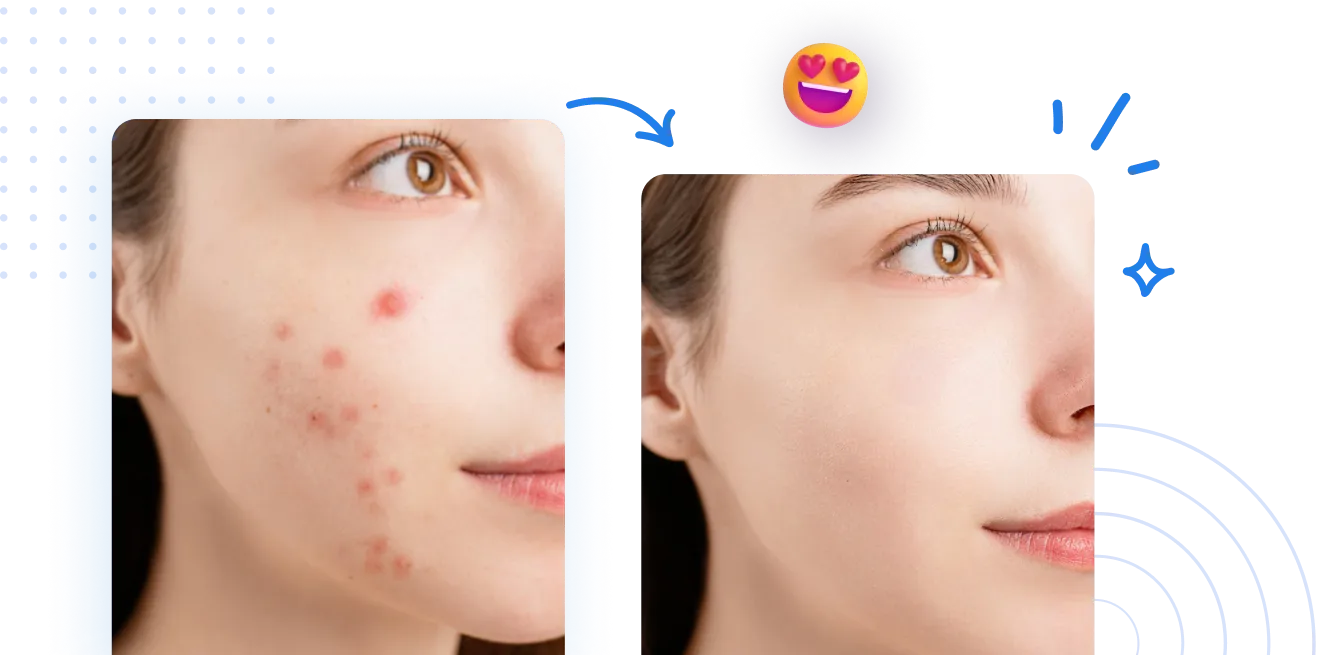
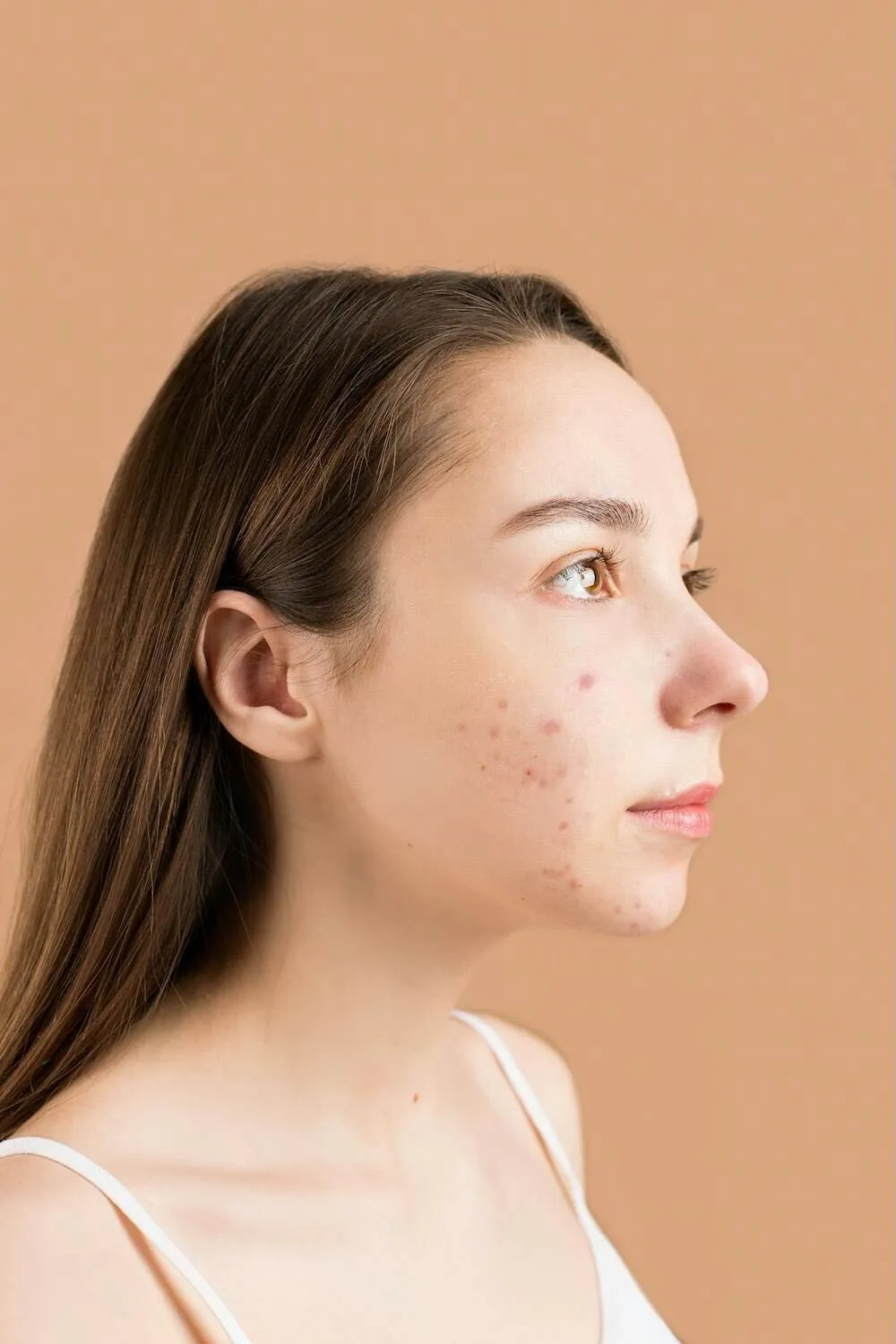
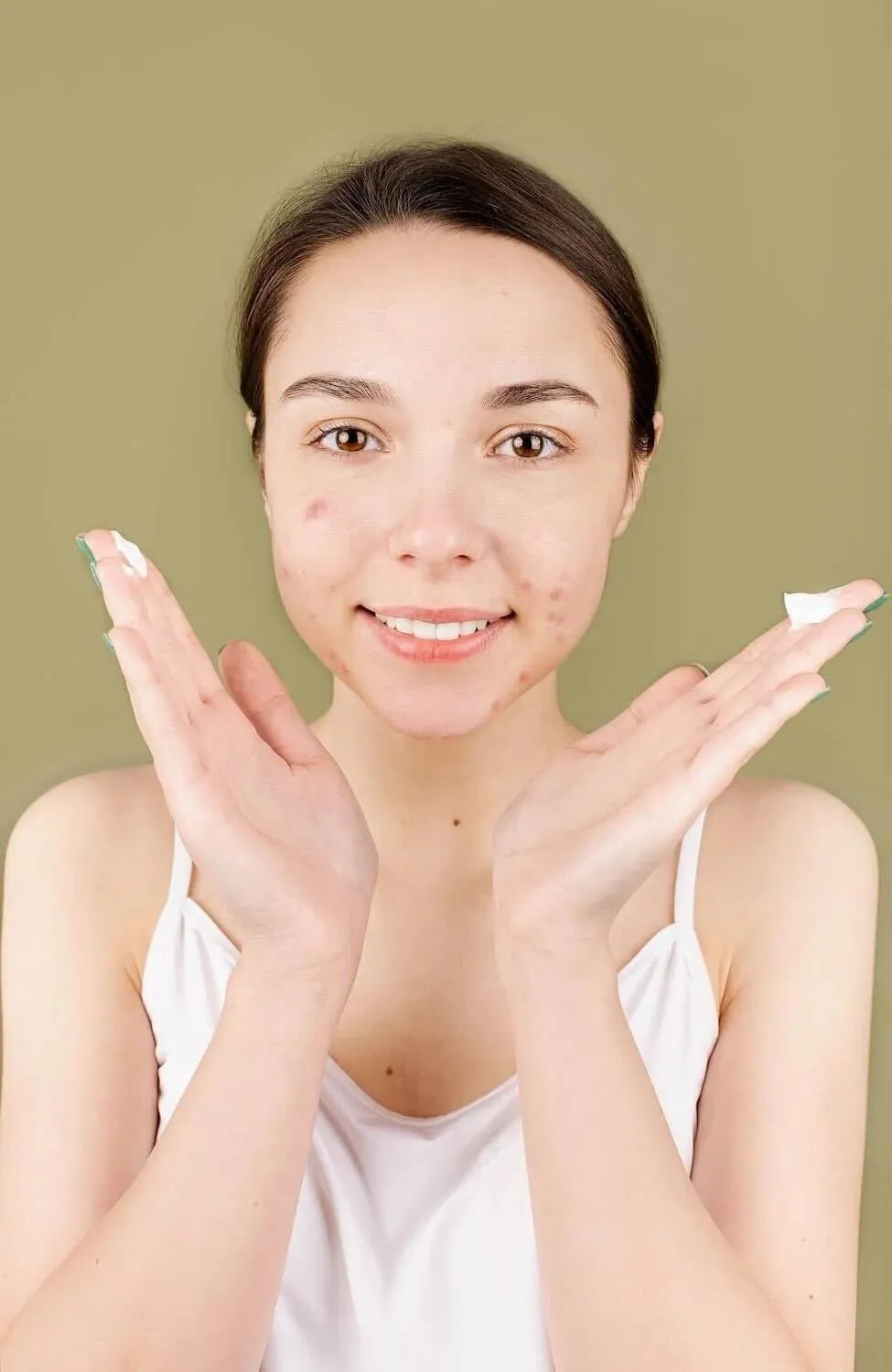
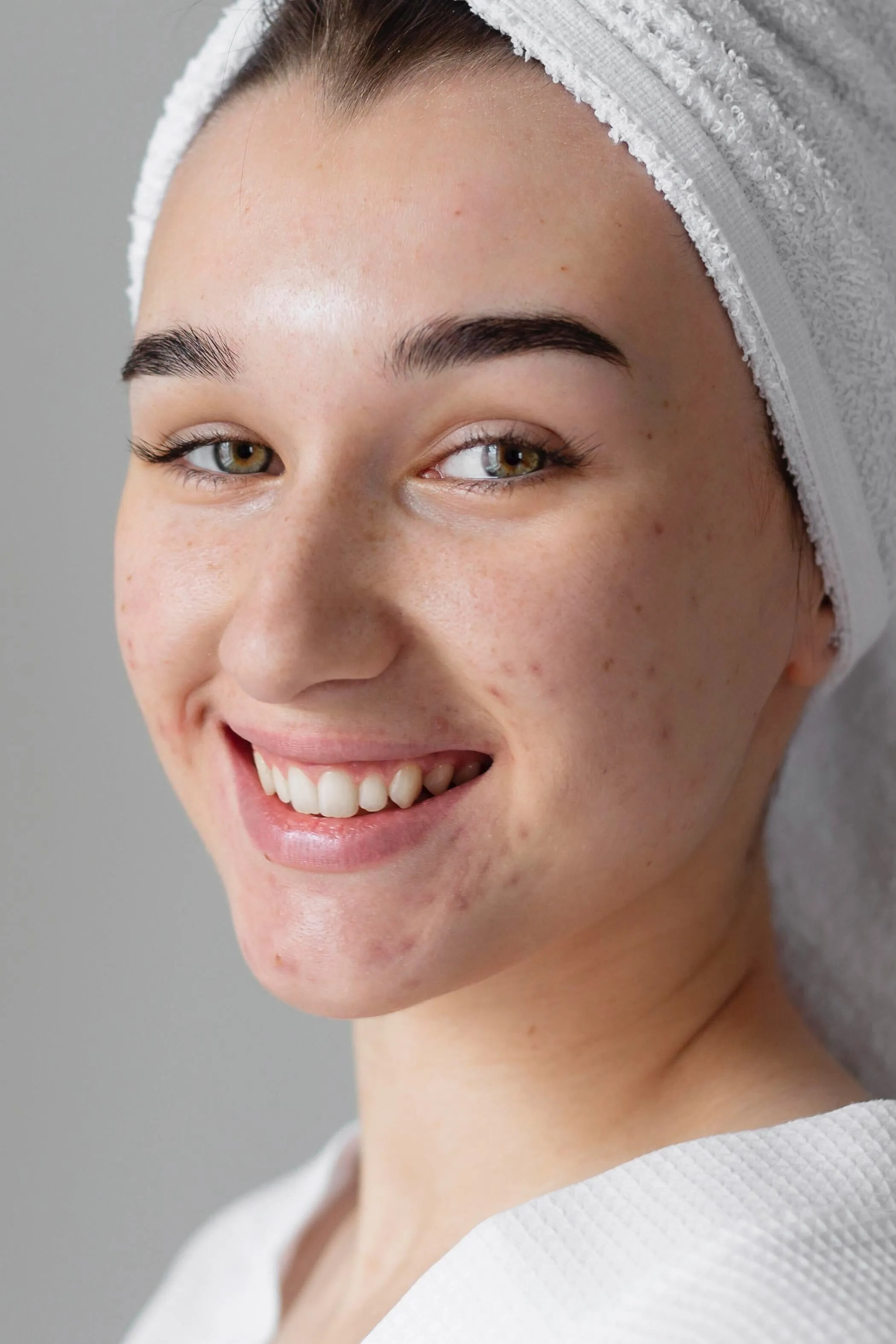
Hoe AI-huidretouchering werkt
PDF Layer Management: Gestructureerde workflows voor meerlagige PDFs. Leer hoe u zichtbaarheid, laagvolgorde en inhoudsstructuur beheert om nauwkeurige controle over de samenstelling van complexe documenten mogelijk te maken.
1 Upload een foto
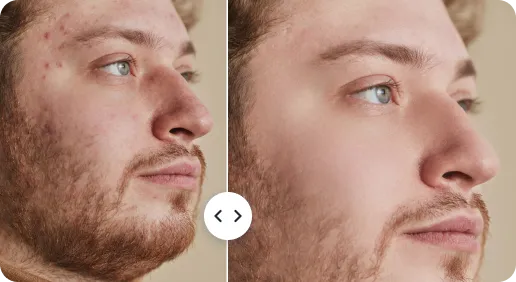
2 AI-huidretoucheren
3 Verfijn en downloaden
Gereedheid van gelaagde PDFs voor documenten met meerdere lagen met precieze zichtbaarheidsinstellingen AI
Creëer in enkele seconden een mooie huidtextuur
Geen gespecialiseerde gereedschappen nodig. Upload uw multi-laag PDF en laat de laagbeheer-engine de lagen direct structureren en optimaliseren. Ideaal voor gebruikers die snel en nauwkeurig complexe documenten itereren.
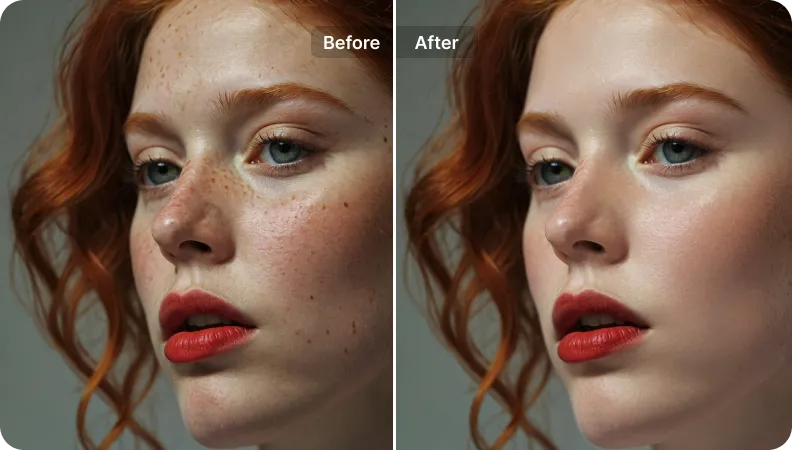
Gebruikersvriendelijke interface voor iedereen
Platformonafhankelijke, gebruiksvriendelijke interface op desktop, tablet en mobiel. Responsieve navigatie en bediening maken snelle, precieze aanpassingen van de zichtbaarheid en de volgorde van lagen mogelijk.
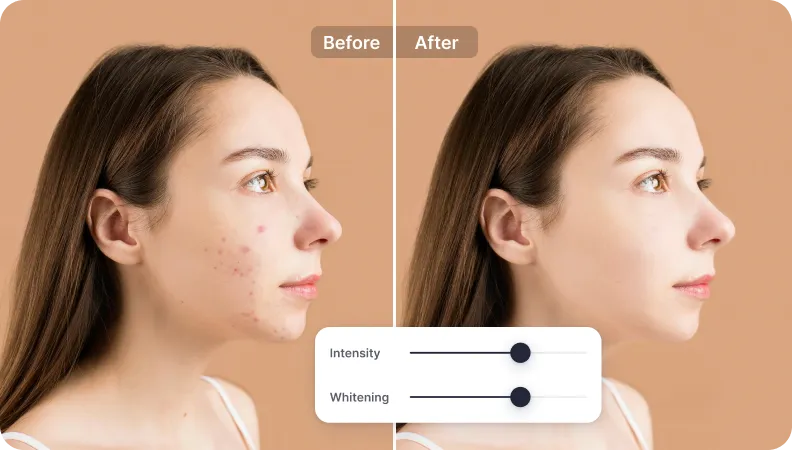
Foutloze maar natuurlijke resultaten om te delen
Behoudt de getrouwheid van de onderliggende inhoud terwijl de leesbaarheid en structuur worden verbeterd. Gelaagde PDFs blijven er natuurlijk uitzien en gereed voor distributie; bewerkingen zijn niet-destructief en transparant.
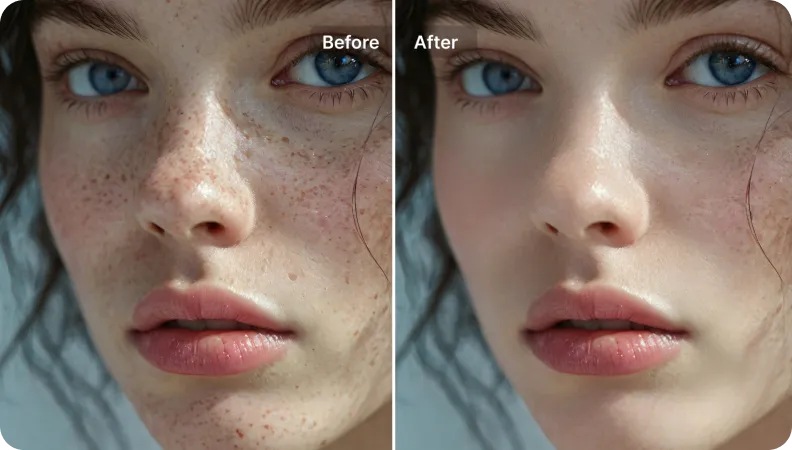

Free to Try
AIPhotor is free to try for 3 days, after which you can subscribe to one of our incredible value plans.

Free to Try
We automatically sharpen and transform your images with AI to create multiple final looks. But you can also adjust and add a prompt to customize the results. Choose what works best for you!

Quick & Easy
Screen, edit, resize and download your photos lightning fast.

Compatible with all devices
AIPhotor is available on the iOS and Android stores. Our app works seamlessly across mobile, desktop, and tablet devices.
Frequently Asked Questions
-
What is AIPhotor Photo Editor?

 AIPhotor is a visual online photo editing website that leverages AI technology to help automatically remove objects/people from images; retouch, enhance, colorize, correct, cartoonize, and animate photos in a snap, replacing other photo editing tools Photoshop, Pixlr editor, or Photopea.
Or just drag & drop image here, upto 50 images at once
Or just drag & drop image here, upto 50 images at once
Frequently Asked Questions
-
What is AIPhotor Photo Editor?
AIPhotor is a visual online photo editing website that leverages AI technology to help automatically remove objects/people from images; retouch, enhance, colorize, correct, cartoonize, and animate photos in a snap, replacing other photo editing tools Photoshop, Pixlr editor, or Photopea.
