
{{ getFeatureName(action_mode) }} your image

Drop your image here.
Our popular AI tools
Enhance Photo
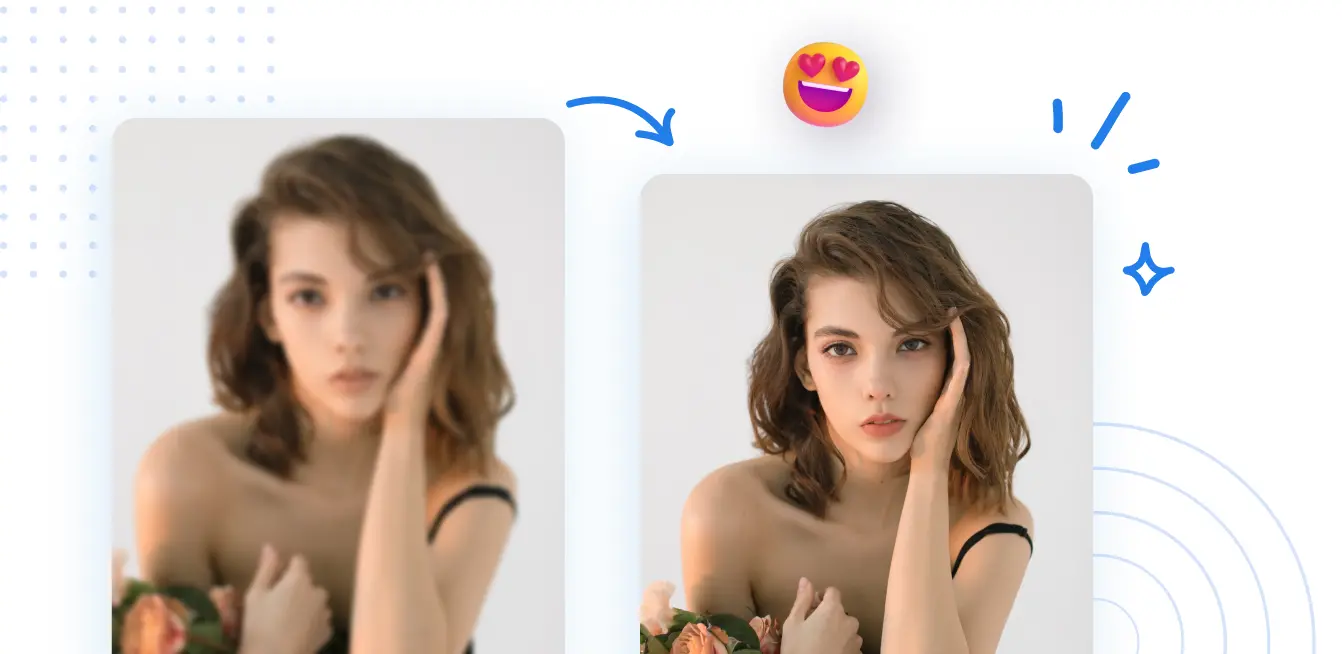
Automatically enhance the blurry photo's resolution and increase the overall quality.
Remove Objects
AIPhotor's One-Touch AI simply detects and removes unwanted details in your picture.
Remove Background
Seamlessly remove background from photos. Edit background with 100+ well-designed templates.
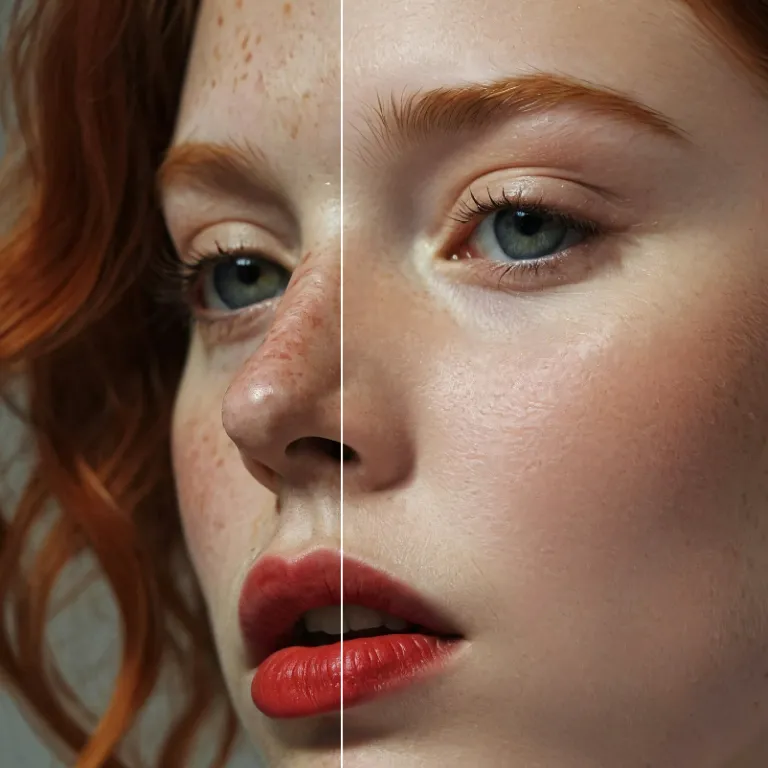
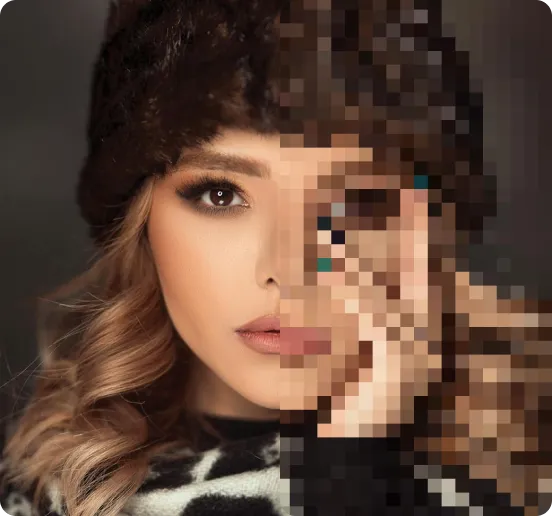
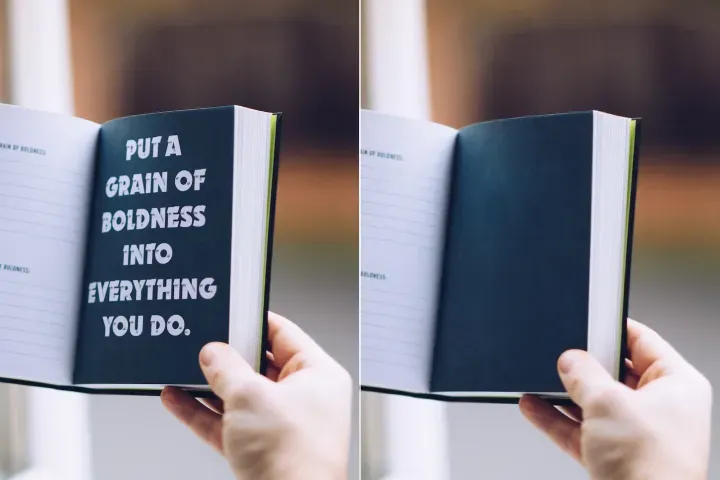
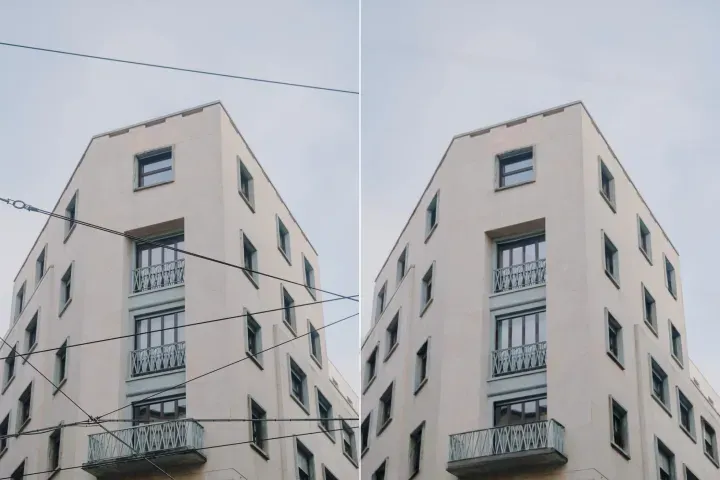
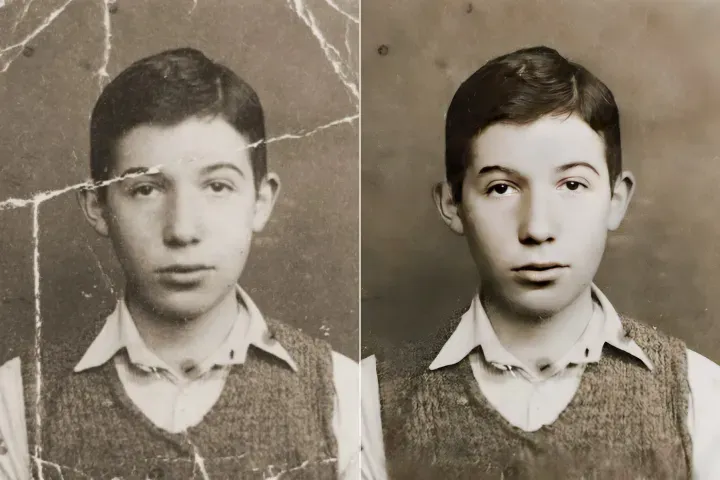
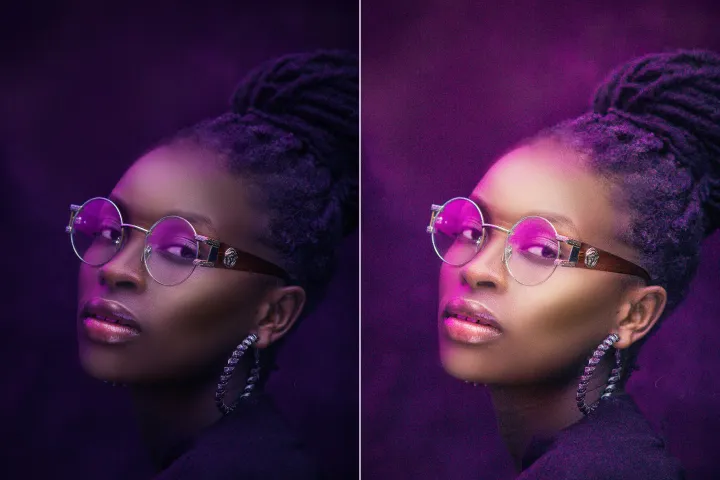
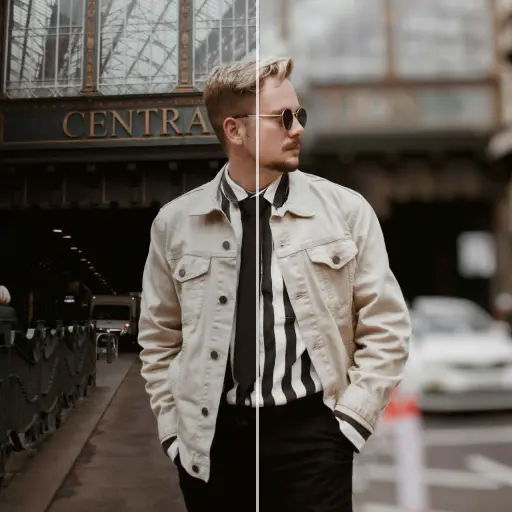
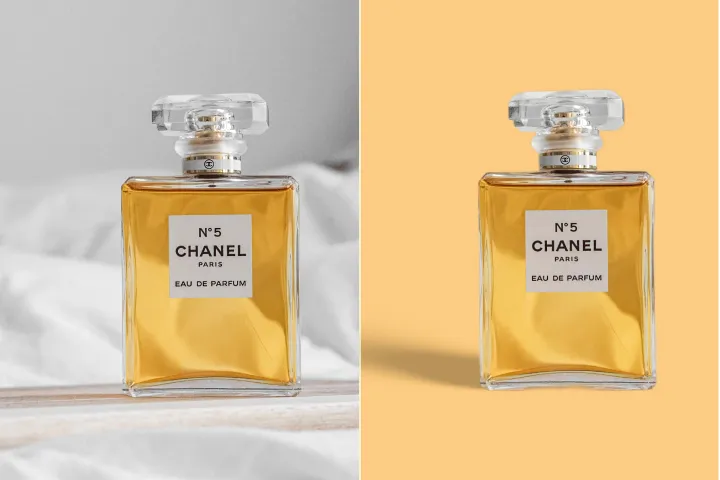
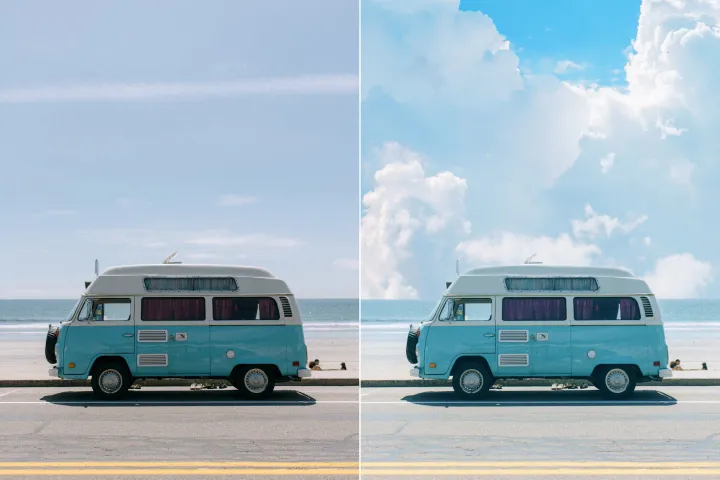
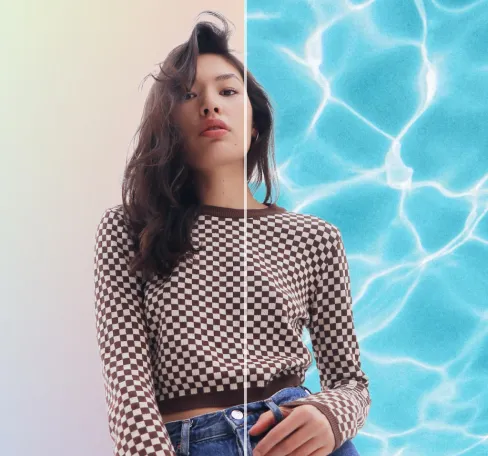
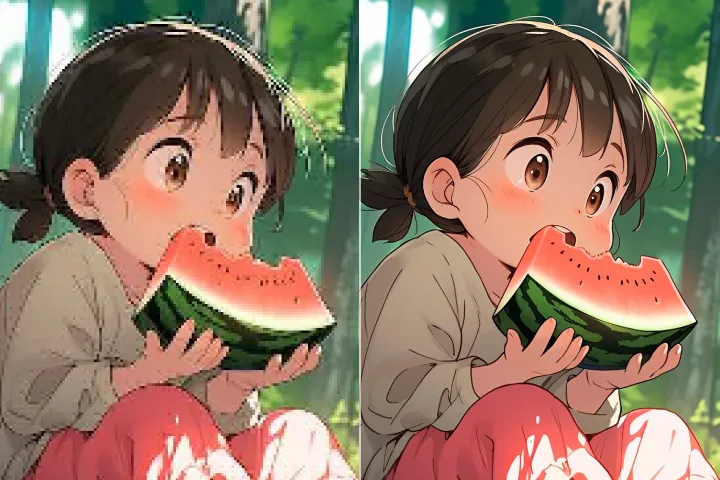
Tingkatkan Kualiti Gambar Secara Dalam Talian
dengan AI
Pengurusan Lapisan PDF: meningkatkan ketelitian visual dokumen merentasi PDF berlapis menggunakan AI Layer Enhancer canggih dari PdfLyr, menghasilkan butiran yang tajam dan tepat dalam aliran kerja berstruktur.
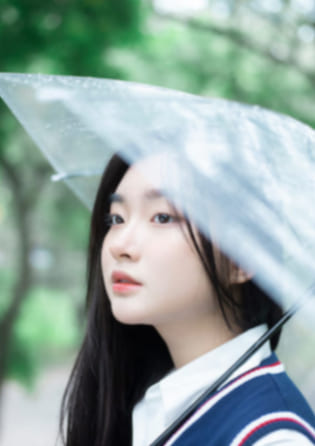


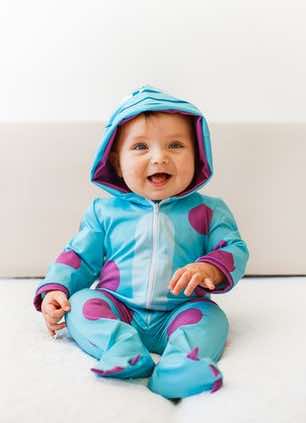
Pengurusan Lapisan PDF: Cara Menggunakan Alat Toolkit PDF Berlapis
Urus PDF berbilang lapisan merentasi peranti dengan aliran kerja yang berstruktur dan berpusat pada lapisan dalam tiga langkah tepat menggunakan PdfLyr:
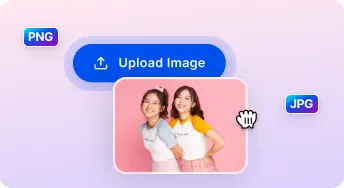
1 Muat naik gambar
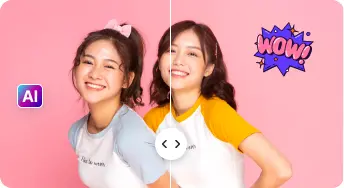
2 Bandingkan & Sesuaikan:

3 Muat turun & kongsi:
AI Serba Lengkap Kits Penambah Foto
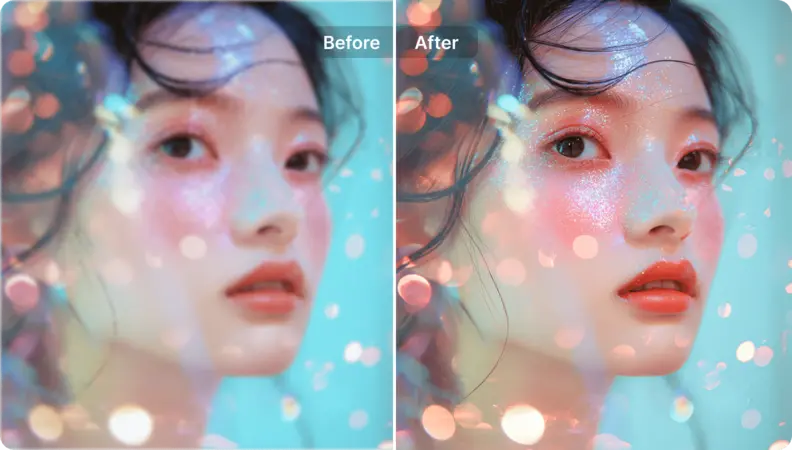
Tingkatkan Potret dan Selfie
Mempertahankan kesetiaan kandungan merentasi lapisan sambil menekankan bahagian yang dipilih tanpa pengeditan silang-lapisan yang tidak disengajakan.
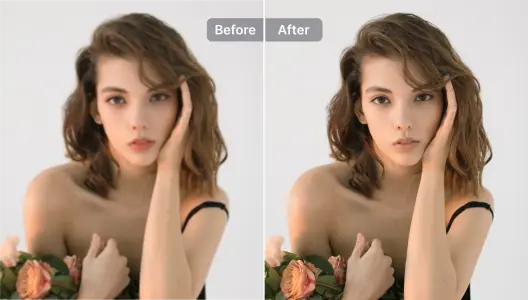
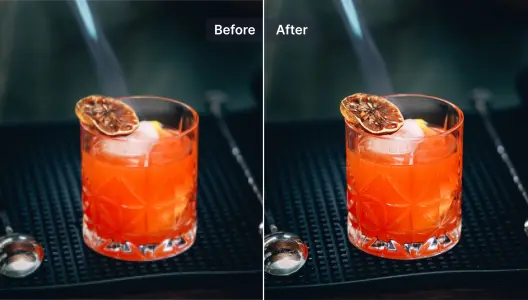
Tingkatkan Gambar Produk
Menyempurnakan kandungan raster dalam lapisan sasaran untuk meningkatkan kejernihan; terapkan topeng dengan penghapusan latar belakang untuk komposisi yang profesional.
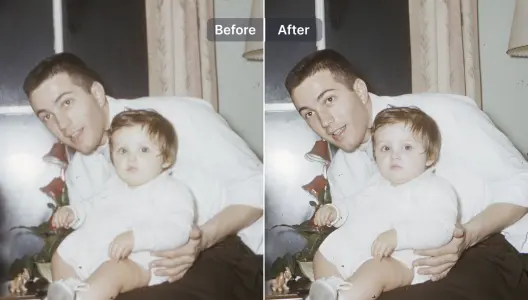
Tingkatkan dan Baiki Gambar Kabur
Memperbaiki kabur pada kandungan berlapis dan membina semula butiran melalui pemulihan dibantu AI dalam susunan lapisan dokumen.
Tingkatkan ilustrasi dan reka bentuk grafik
Meningkatkan kualiti dan memperkayakan elemen vektor dan raster merentasi lapisan sambil menjaga penjajaran, hierarki, dan integriti artistik komposisi berlapis.
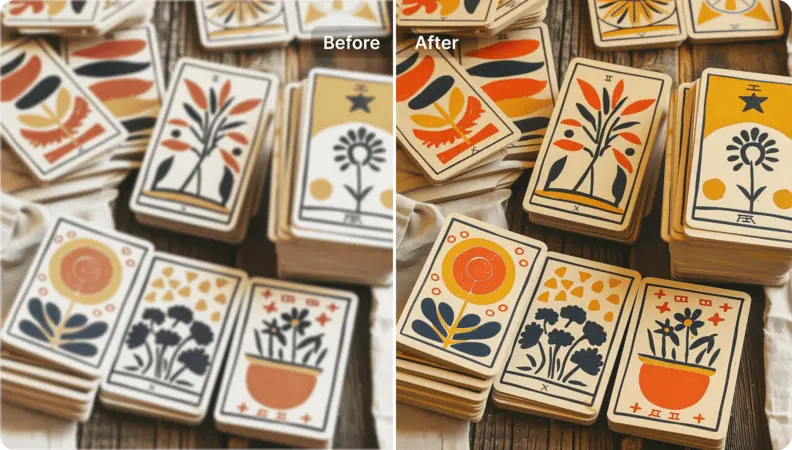
Tingkatkan imej seni
Tukarkan aset berbilang lapisan (termasuk bahan yang dihasilkan AI) kepada keluaran beresolusi tinggi, siap untuk paparan dalam aliran kerja PDF.
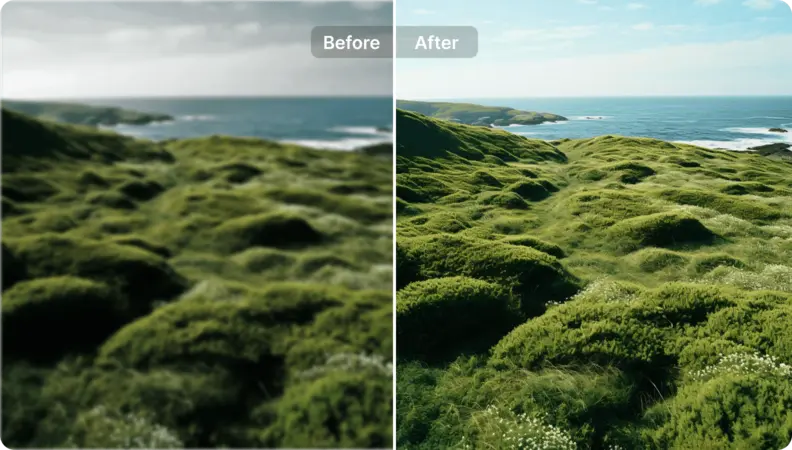
Hidupkan Semula Foto Landskap
Pengurusan Lapisan PDF: Tingkatkan visual dokumen berbilang lapisan dengan penyempurnaan yang tepat berasaskan lapisan. Gunakan arahan berstruktur untuk membimbing peningkatan merentasi lapisan, memastikan hierarki dan ketepatan yang konsisten.

Free to Try
AIPhotor is free to try for 3 days, after which you can subscribe to one of our incredible value plans.

Free to Try
We automatically sharpen and transform your images with AI to create multiple final looks. But you can also adjust and add a prompt to customize the results. Choose what works best for you!

Quick & Easy
Screen, edit, resize and download your photos lightning fast.

Compatible with all devices
AIPhotor is available on the iOS and Android stores. Our app works seamlessly across mobile, desktop, and tablet devices.
Frequently Asked Questions
-
What is AIPhotor Photo Editor?

 AIPhotor is a visual online photo editing website that leverages AI technology to help automatically remove objects/people from images; retouch, enhance, colorize, correct, cartoonize, and animate photos in a snap, replacing other photo editing tools Photoshop, Pixlr editor, or Photopea.
Or just drag & drop image here, upto 50 images at once
Or just drag & drop image here, upto 50 images at once
Frequently Asked Questions
-
What is AIPhotor Photo Editor?
AIPhotor is a visual online photo editing website that leverages AI technology to help automatically remove objects/people from images; retouch, enhance, colorize, correct, cartoonize, and animate photos in a snap, replacing other photo editing tools Photoshop, Pixlr editor, or Photopea.
