
{{ getFeatureName(action_mode) }} your image

Drop your image here.
Our popular AI tools
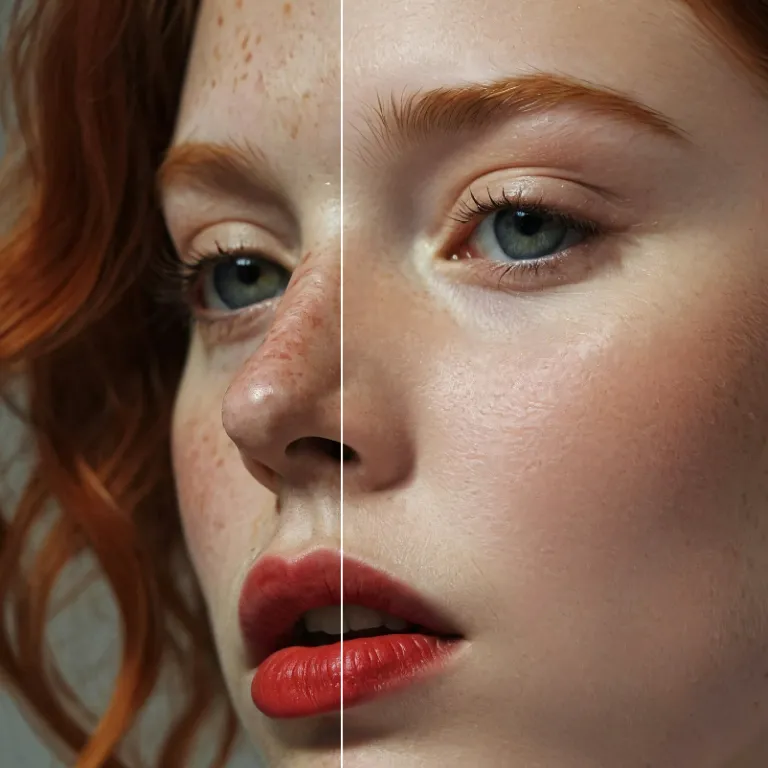
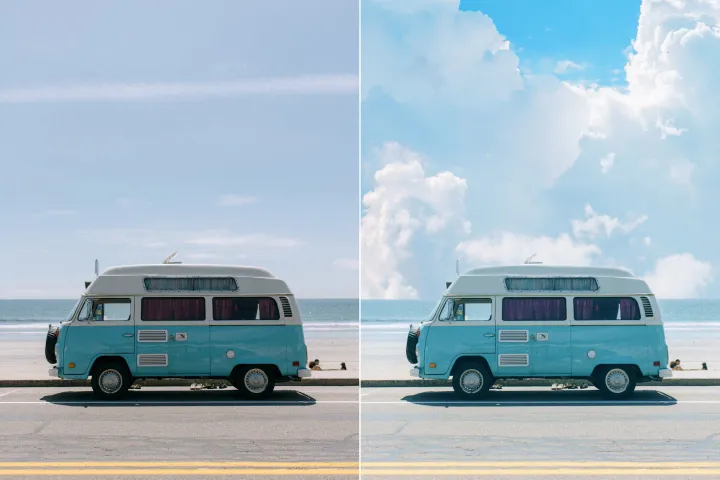
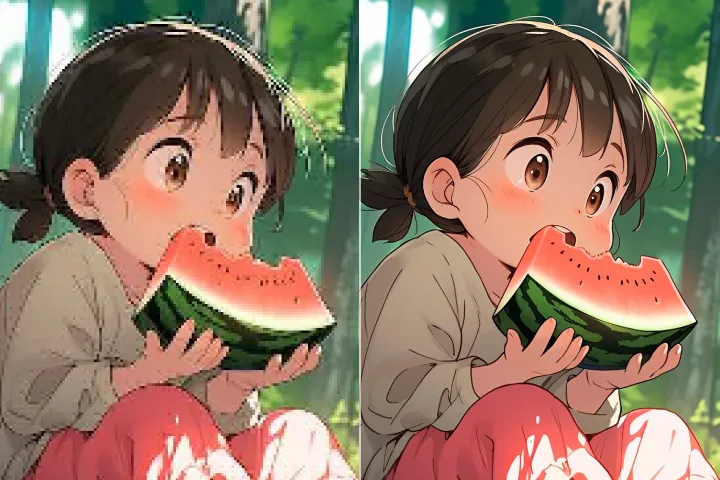
Enhance Photo
Automatically enhance the blurry photo's resolution and increase the overall quality.
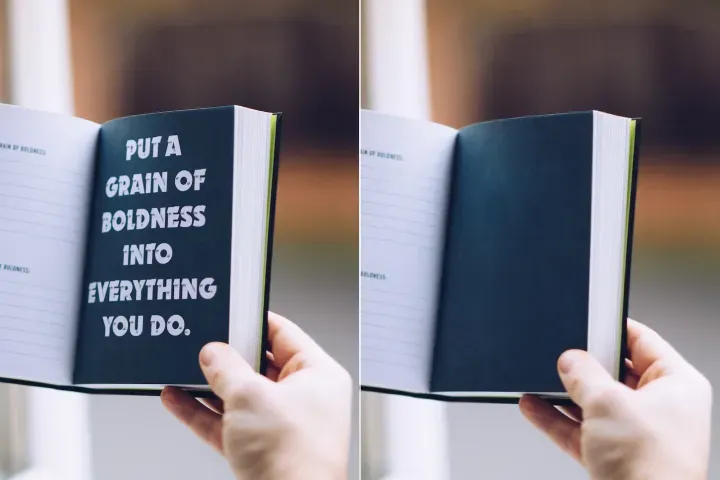
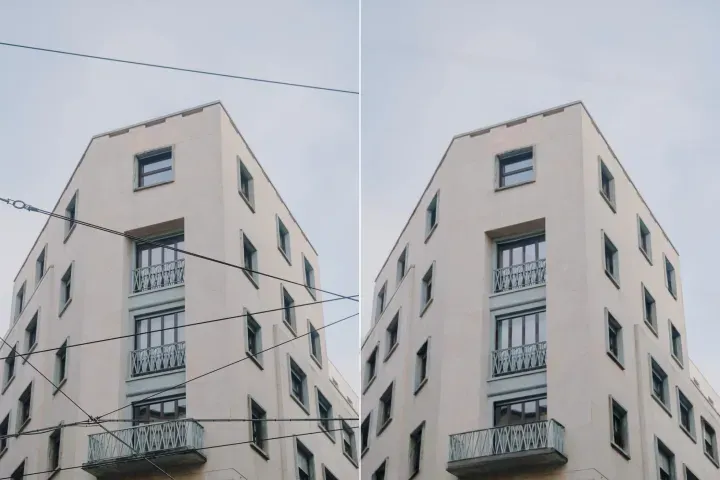
Remove Objects
AIPhotor's One-Touch AI simply detects and removes unwanted details in your picture.
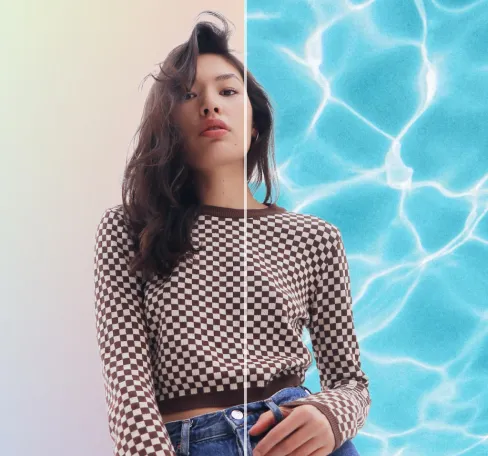
Remove Background
Seamlessly remove background from photos. Edit background with 100+ well-designed templates.
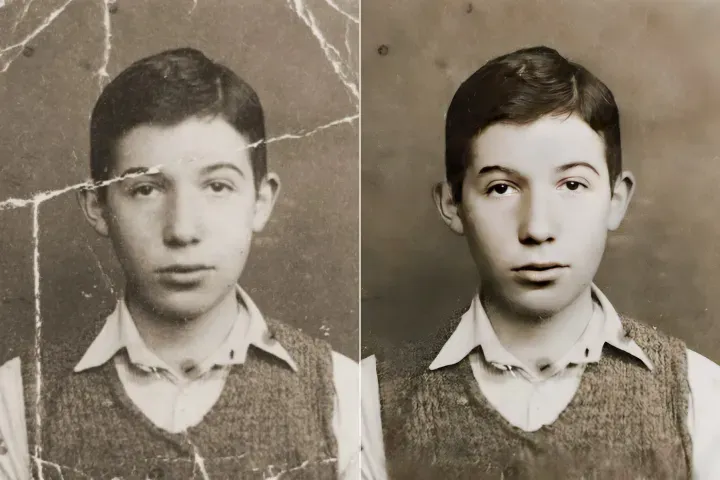
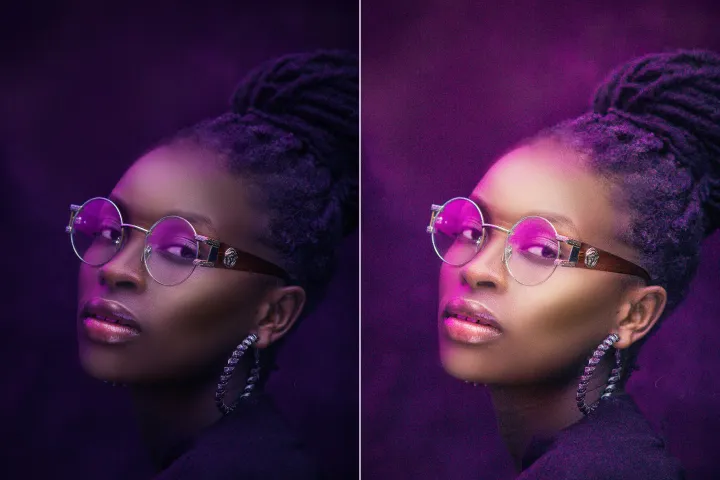
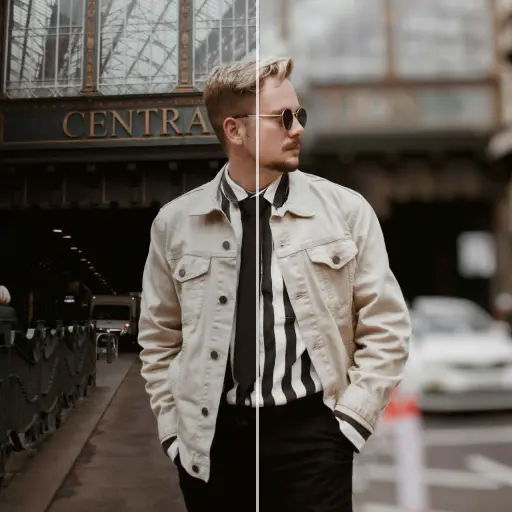
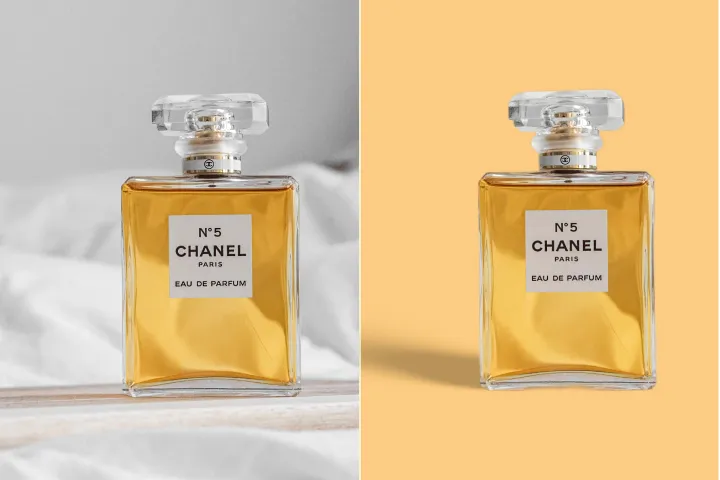
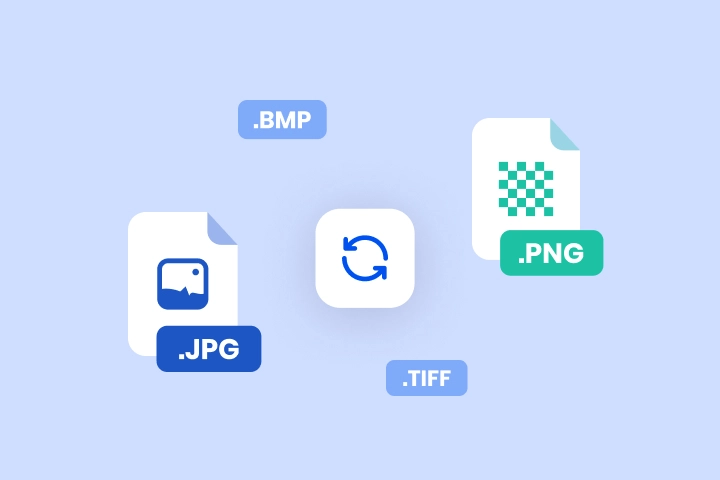
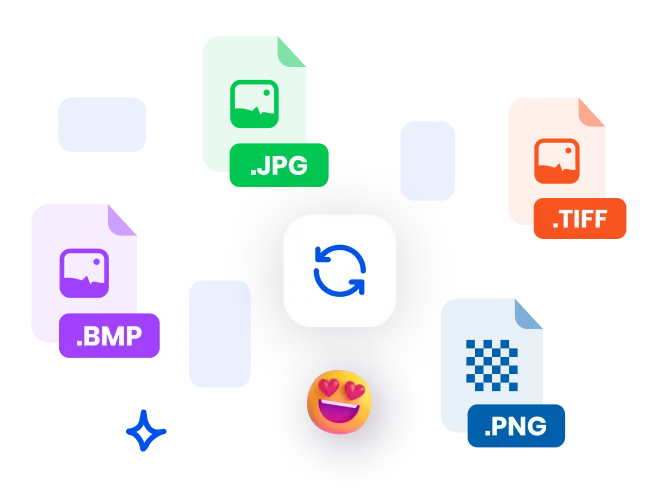
Convertir les images dans n'importe quel format en un seul clic
Le convertisseur d'images SnapEdit permet des transitions entre formats (PNG → JPG, JPG → PDF, TIFF → JPG) dans le cadre d'un flux de travail de gestion des calques PDF. Téléversements sécurisés, conversion de haute qualité et traitement par lots sont pris en charge, avec la préservation des métadonnées des calques lorsque cela est applicable.
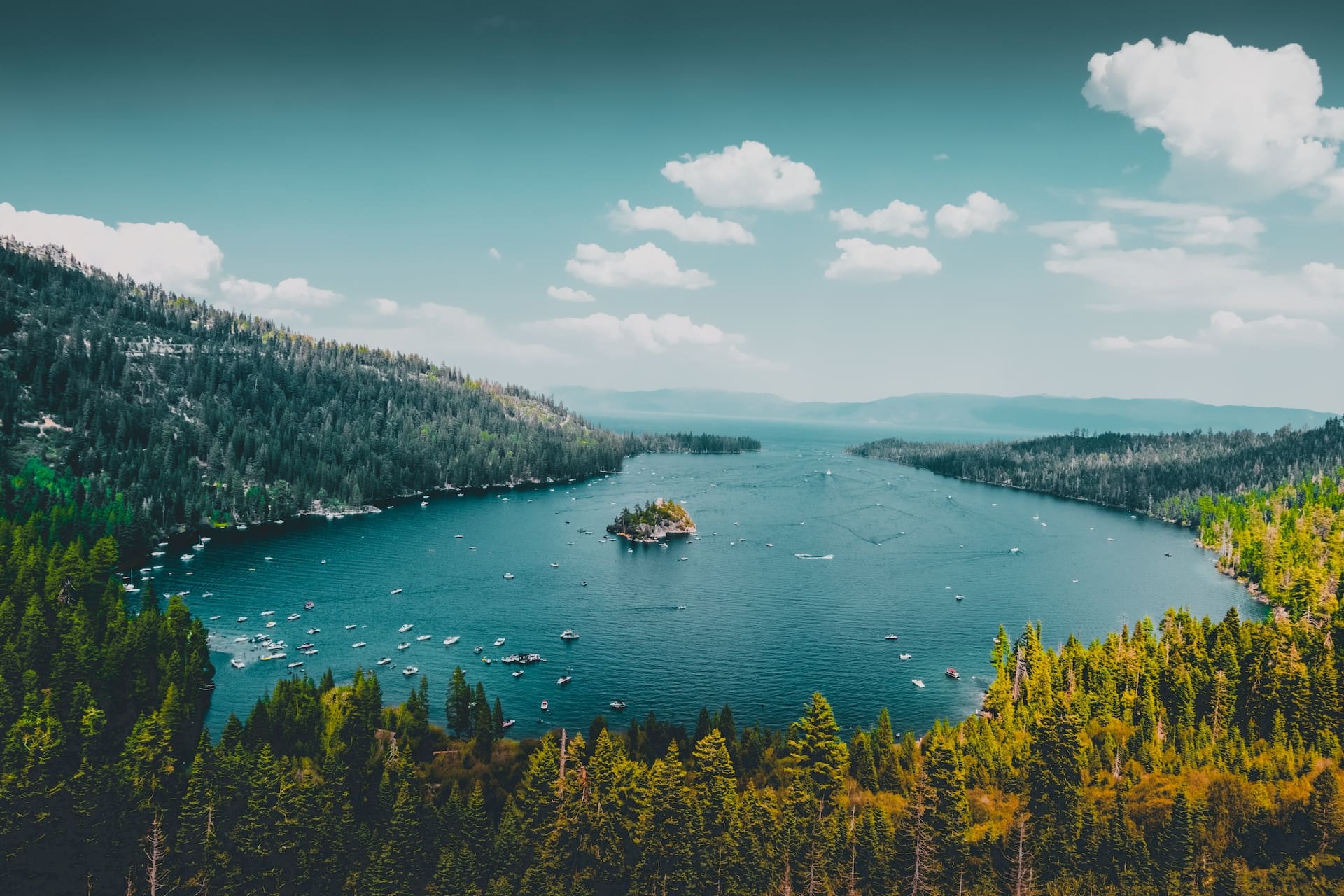
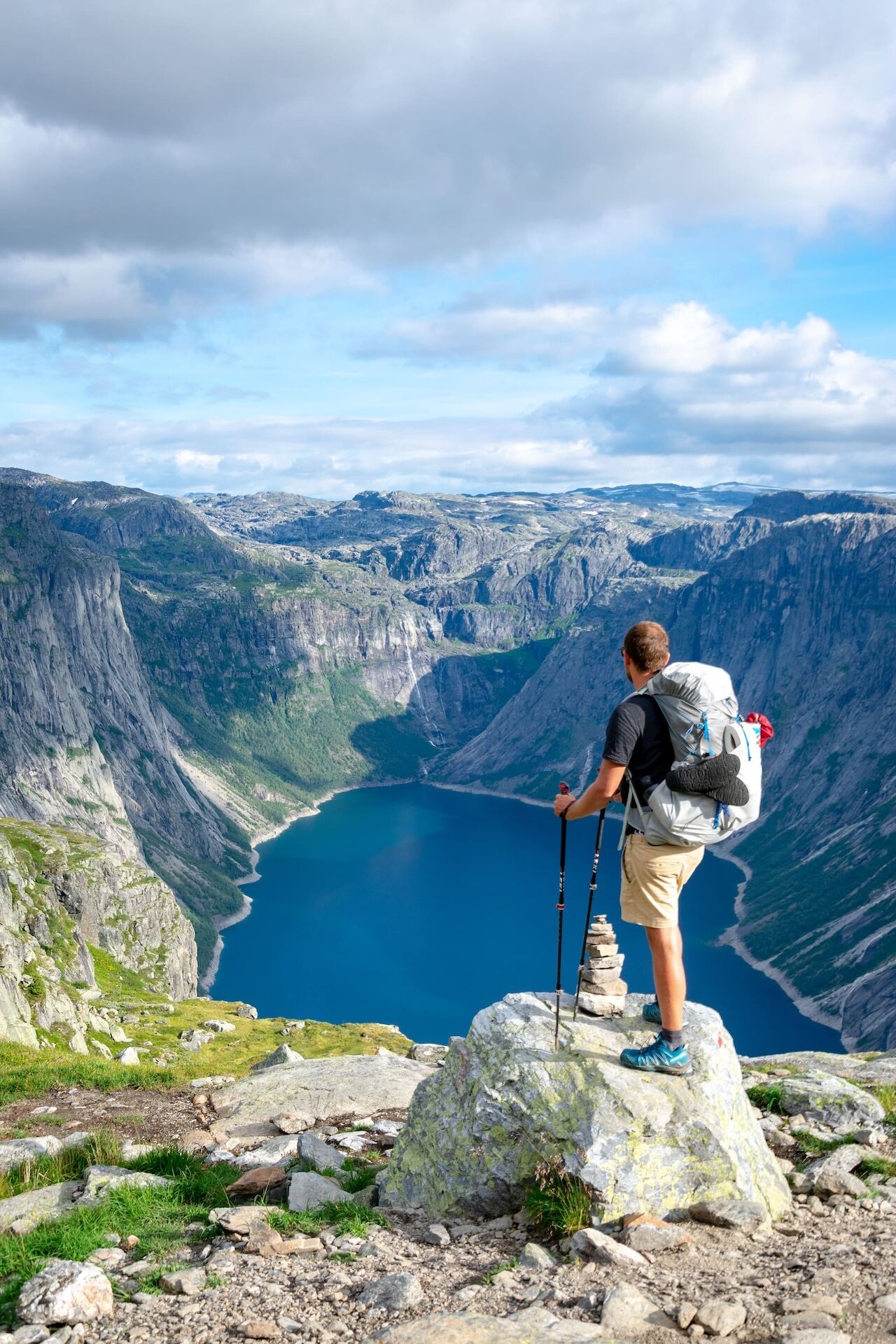
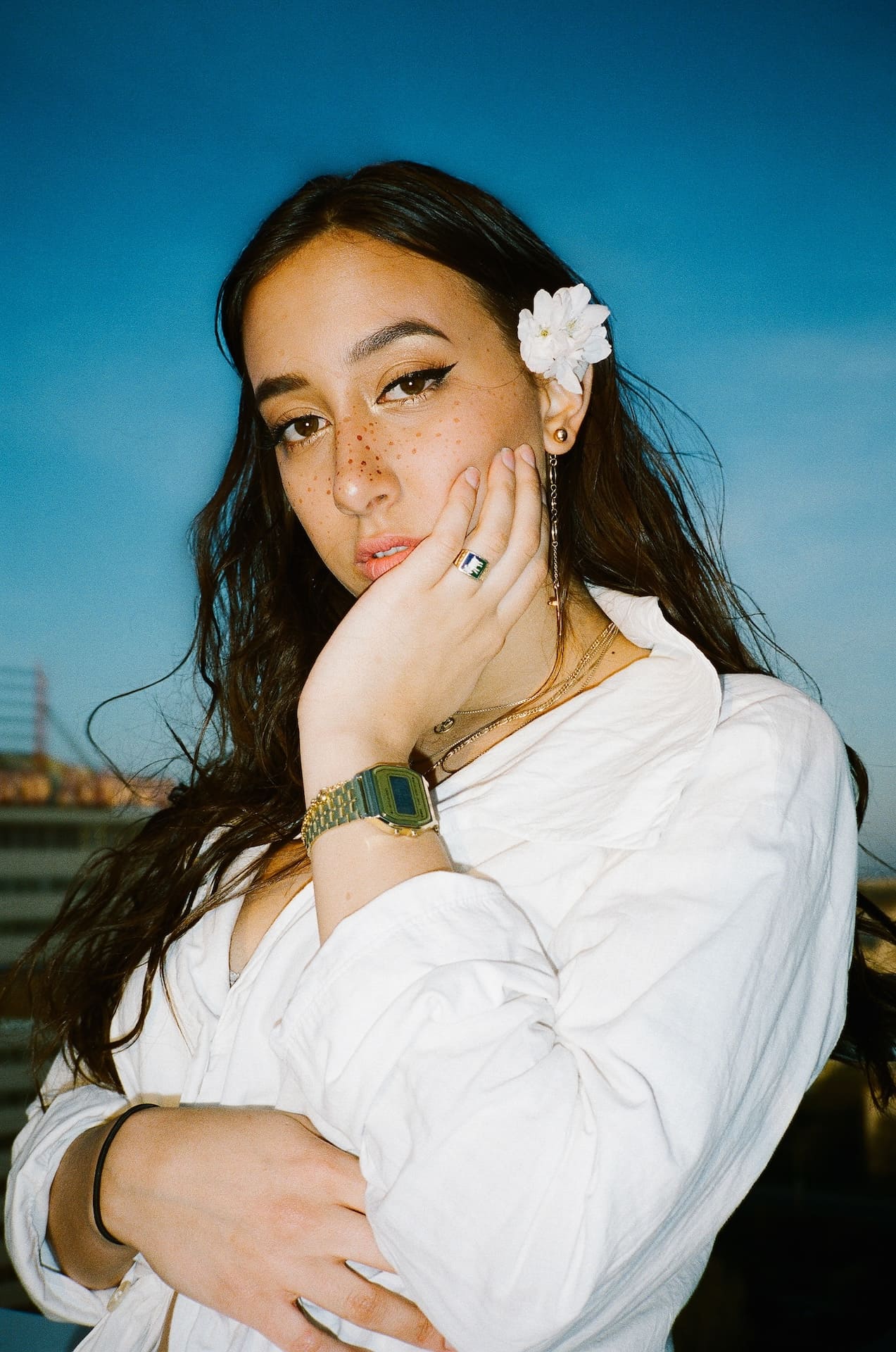

Comment convertir une image dans un flux de travail PDF en couches
Suivez ces 3 étapes pour effectuer des conversions d'images en couches en ligne sur différents appareils dans le cadre d'un flux de travail structuré de gestion des calques PDF :
1 Importer une image
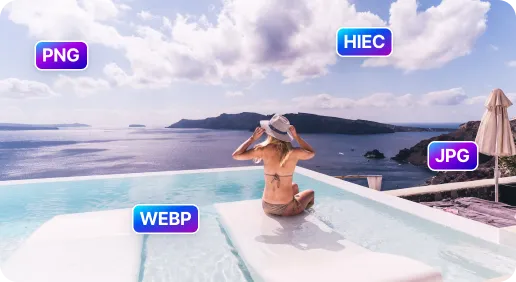
2 Choisir le format cible
3 Convertir l'image
SnapEdit Image Converter : Plus rapide et plus sûr
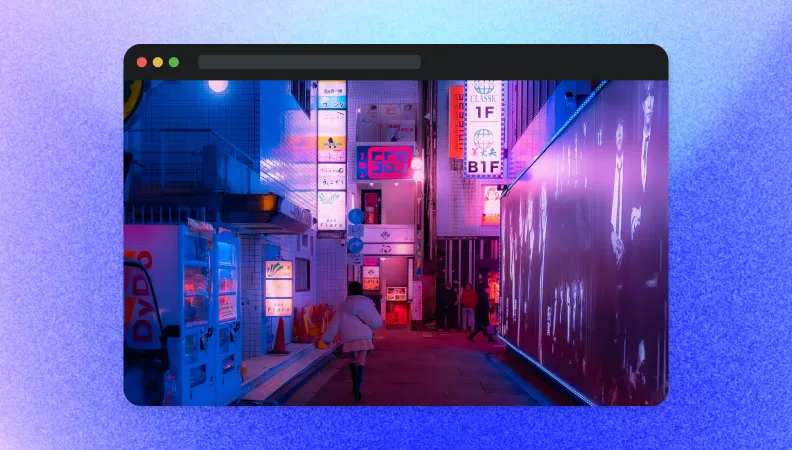
Convertir une image pour le site Web
Convertissez les images en JPEG ou WebP pour optimiser les performances de chargement dans les documents en calques tout en préservant la qualité.
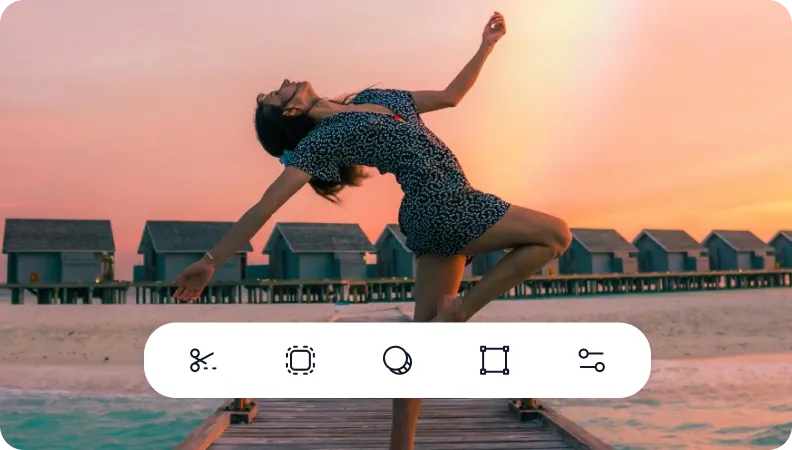
Convertir une image pour l'édition photo
Basculez facilement entre les formats pour l'édition dans des flux de travail en calques, par exemple de JPEG à PNG pour conserver la transparence ou de HEIC à PNG pour une compatibilité multiplateforme.
Migrer les formats hérités vers des formats largement pris en charge
Réaffecter les formats d'image hérités ou non pris en charge vers des formats modernes largement compatibles afin de préserver la fidélité des calques et l'accessibilité future dans les PDFs à plusieurs calques.

Free to Try
AIPhotor is free to try for 3 days, after which you can subscribe to one of our incredible value plans.

Free to Try
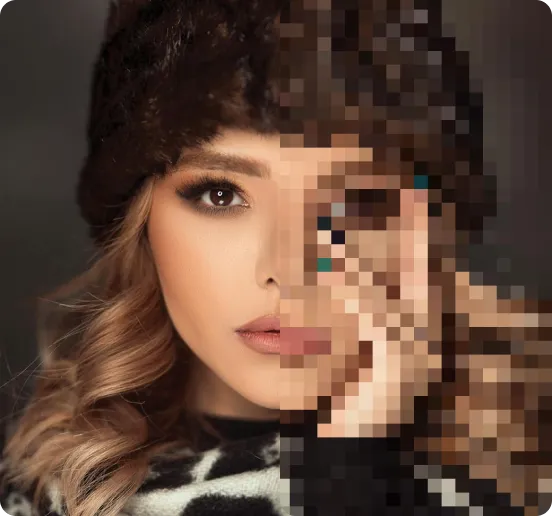
We automatically sharpen and transform your images with AI to create multiple final looks. But you can also adjust and add a prompt to customize the results. Choose what works best for you!

Quick & Easy
Screen, edit, resize and download your photos lightning fast.

Compatible with all devices
AIPhotor is available on the iOS and Android stores. Our app works seamlessly across mobile, desktop, and tablet devices.
Frequently Asked Questions
-
What is AIPhotor Photo Editor?

 AIPhotor is a visual online photo editing website that leverages AI technology to help automatically remove objects/people from images; retouch, enhance, colorize, correct, cartoonize, and animate photos in a snap, replacing other photo editing tools Photoshop, Pixlr editor, or Photopea.
Or just drag & drop image here, upto 50 images at once
Or just drag & drop image here, upto 50 images at once
Frequently Asked Questions
-
What is AIPhotor Photo Editor?
AIPhotor is a visual online photo editing website that leverages AI technology to help automatically remove objects/people from images; retouch, enhance, colorize, correct, cartoonize, and animate photos in a snap, replacing other photo editing tools Photoshop, Pixlr editor, or Photopea.
