
{{ getFeatureName(action_mode) }} your image

Drop your image here.
Our popular AI tools
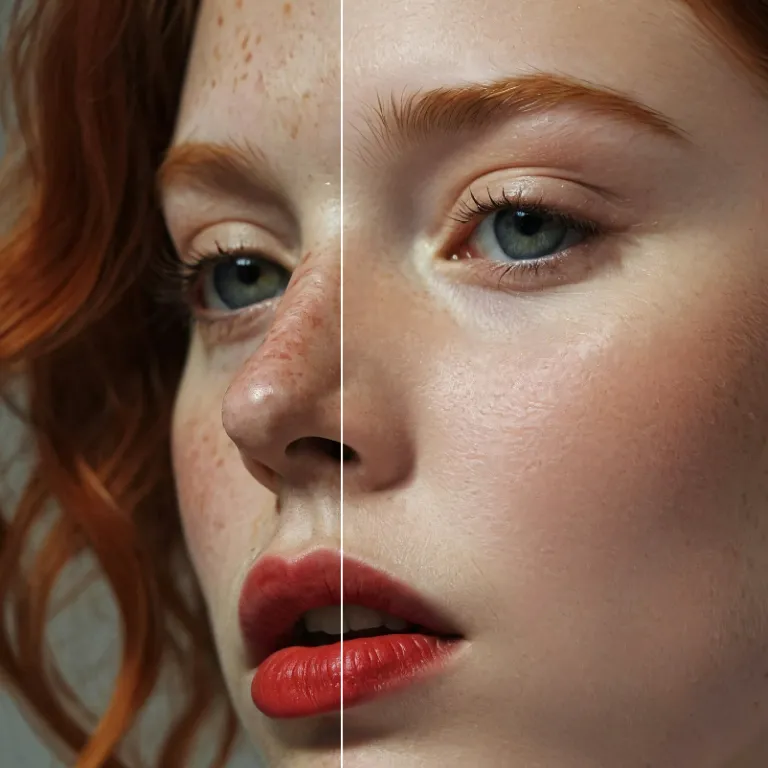
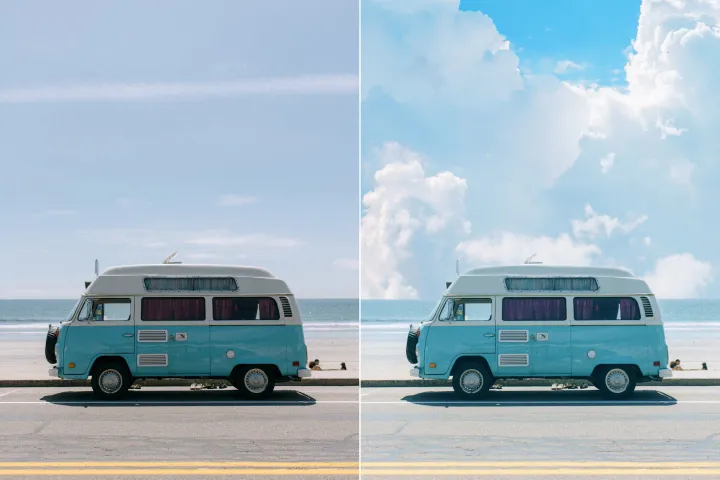
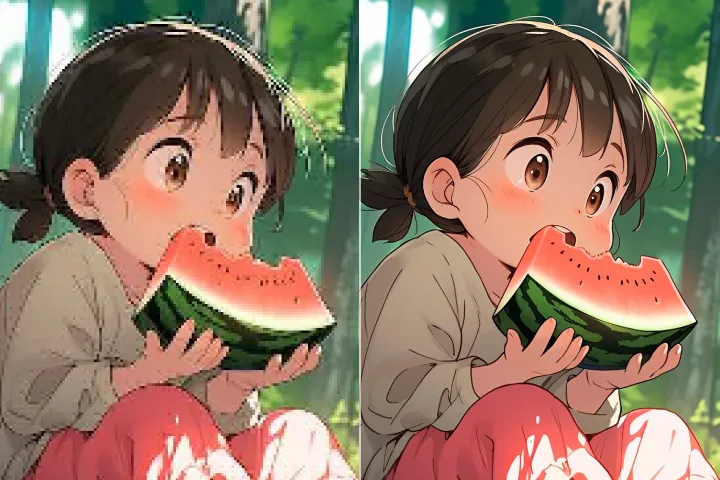
Enhance Photo
Automatically enhance the blurry photo's resolution and increase the overall quality.
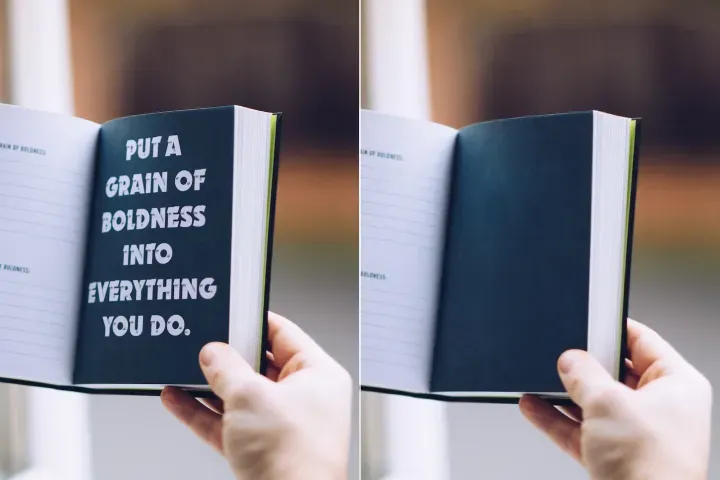
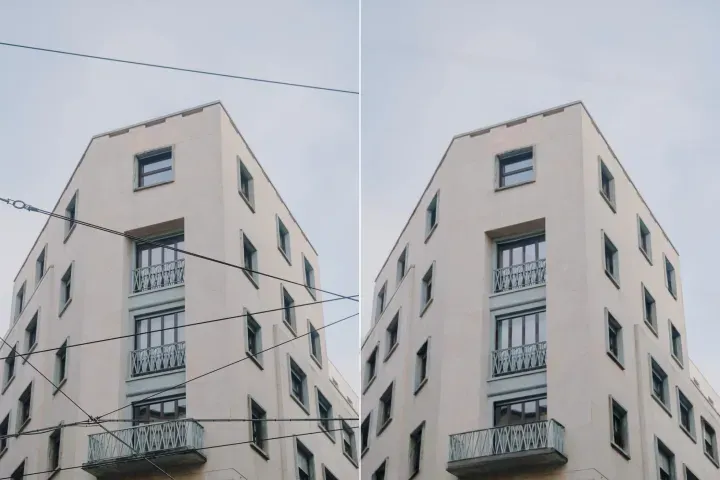
Remove Objects
AIPhotor's One-Touch AI simply detects and removes unwanted details in your picture.
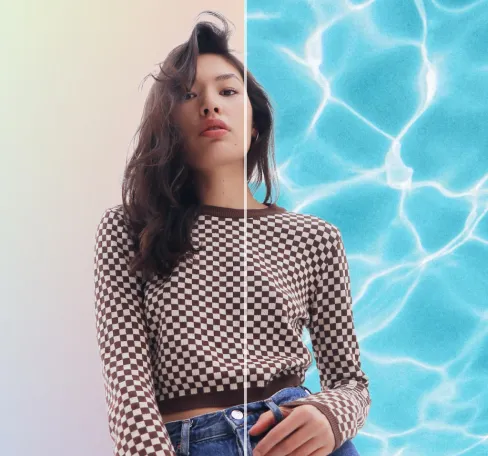
Remove Background
Seamlessly remove background from photos. Edit background with 100+ well-designed templates.
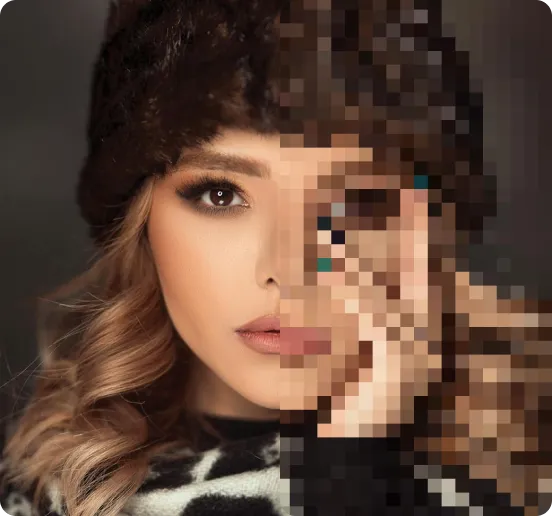
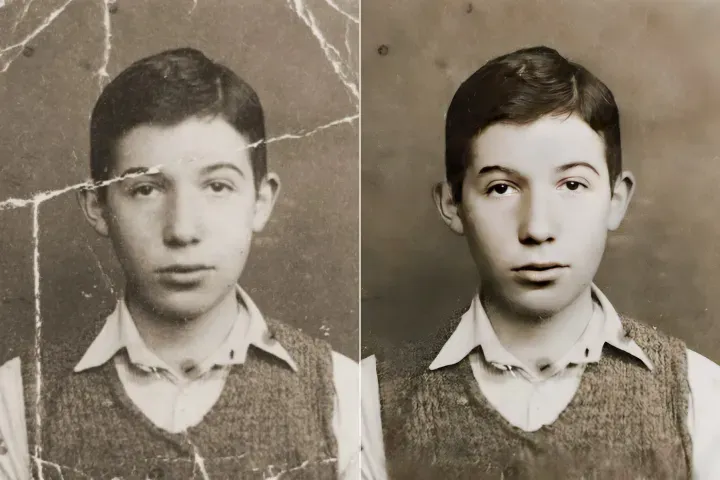
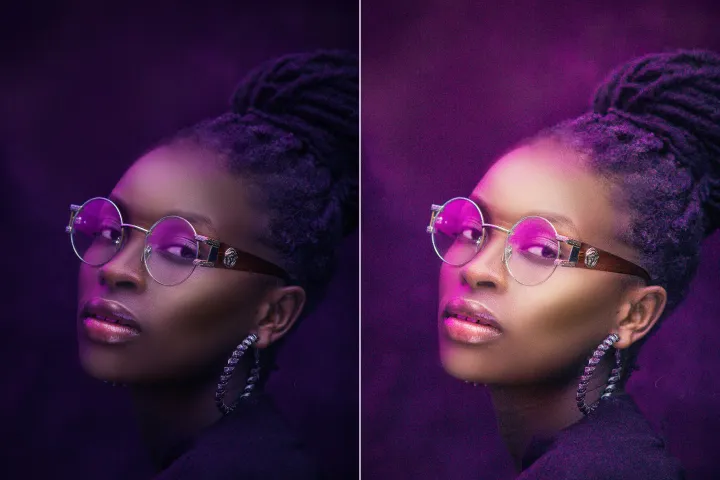
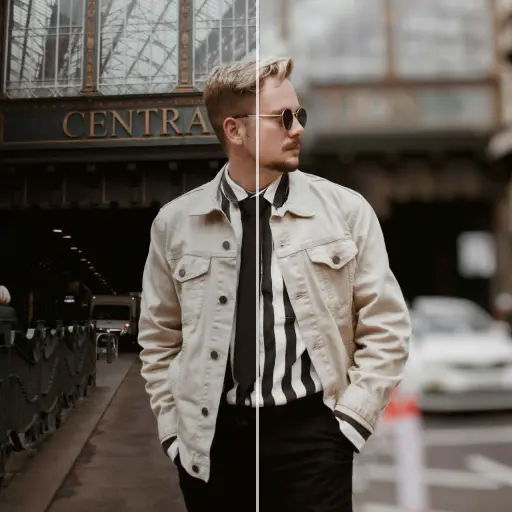
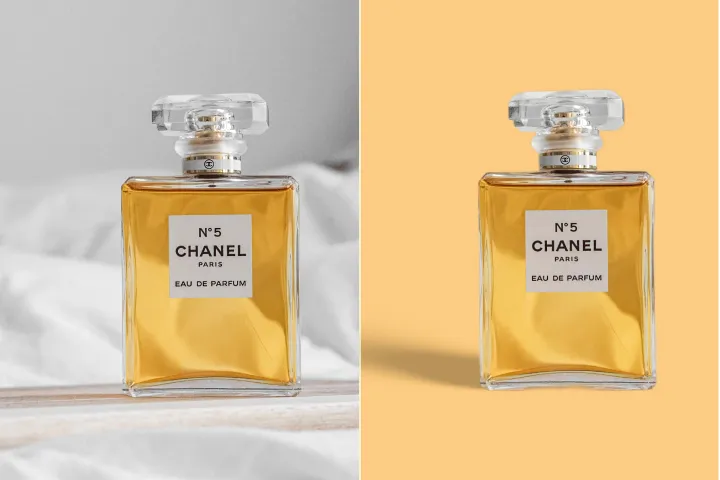
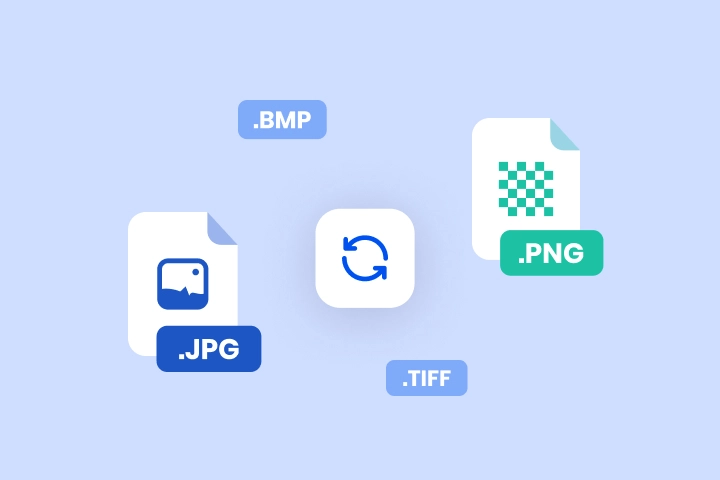
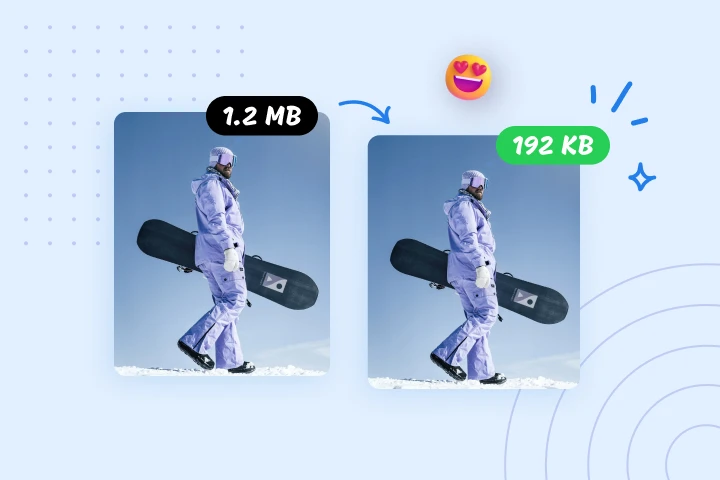
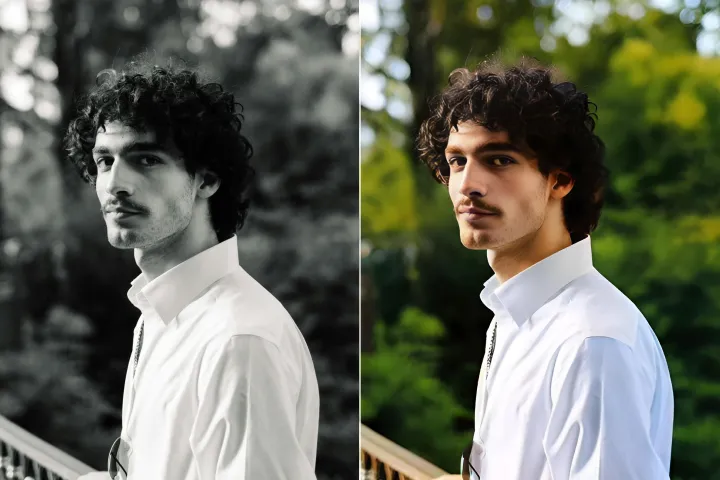
Bilder mit einem einzigen Klick in jedes Format konvertieren
SnapEdit Image Converter ermöglicht plattformübergreifende Formatanpassungen (PNG → JPG, JPG → PDF, TIFF → JPG) innerhalb eines PDF-Ebenenverwaltungs-Workflows. Sichere Uploads, hochwertige Konvertierung und Batch-Verarbeitung werden unterstützt, wobei die Ebenenmetadaten sofern zutreffend erhalten bleiben.
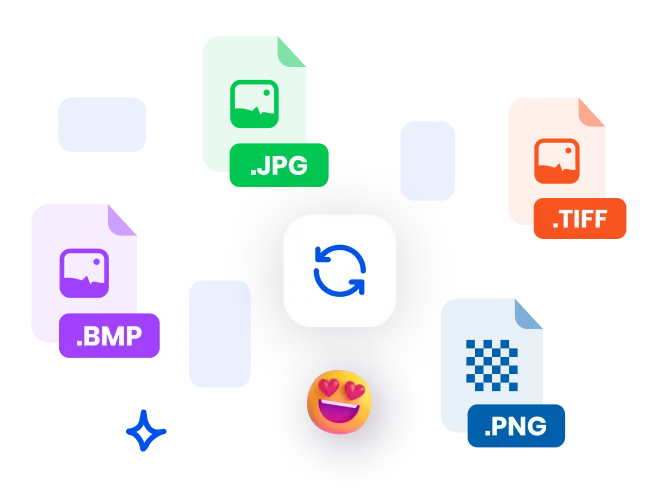
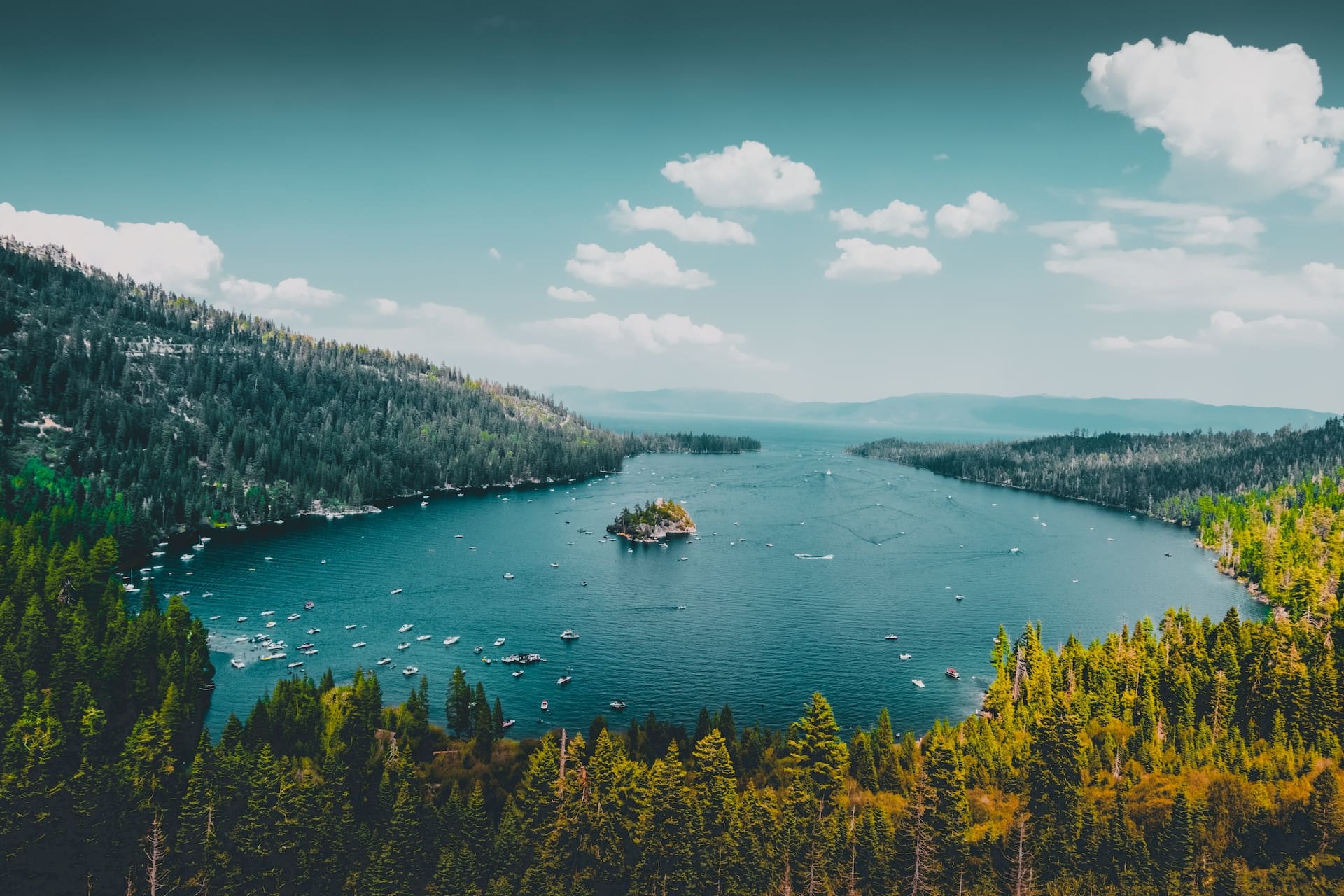
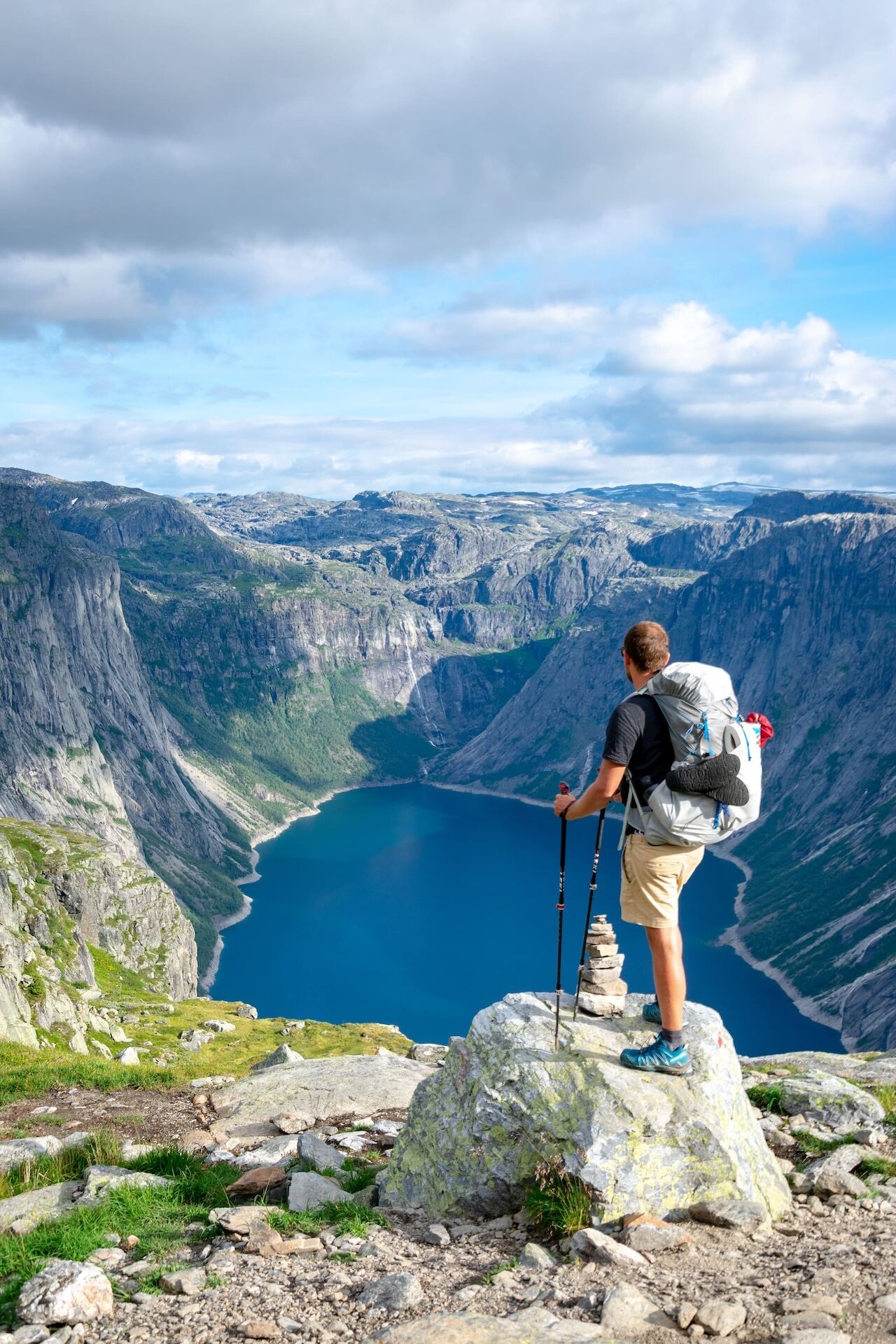
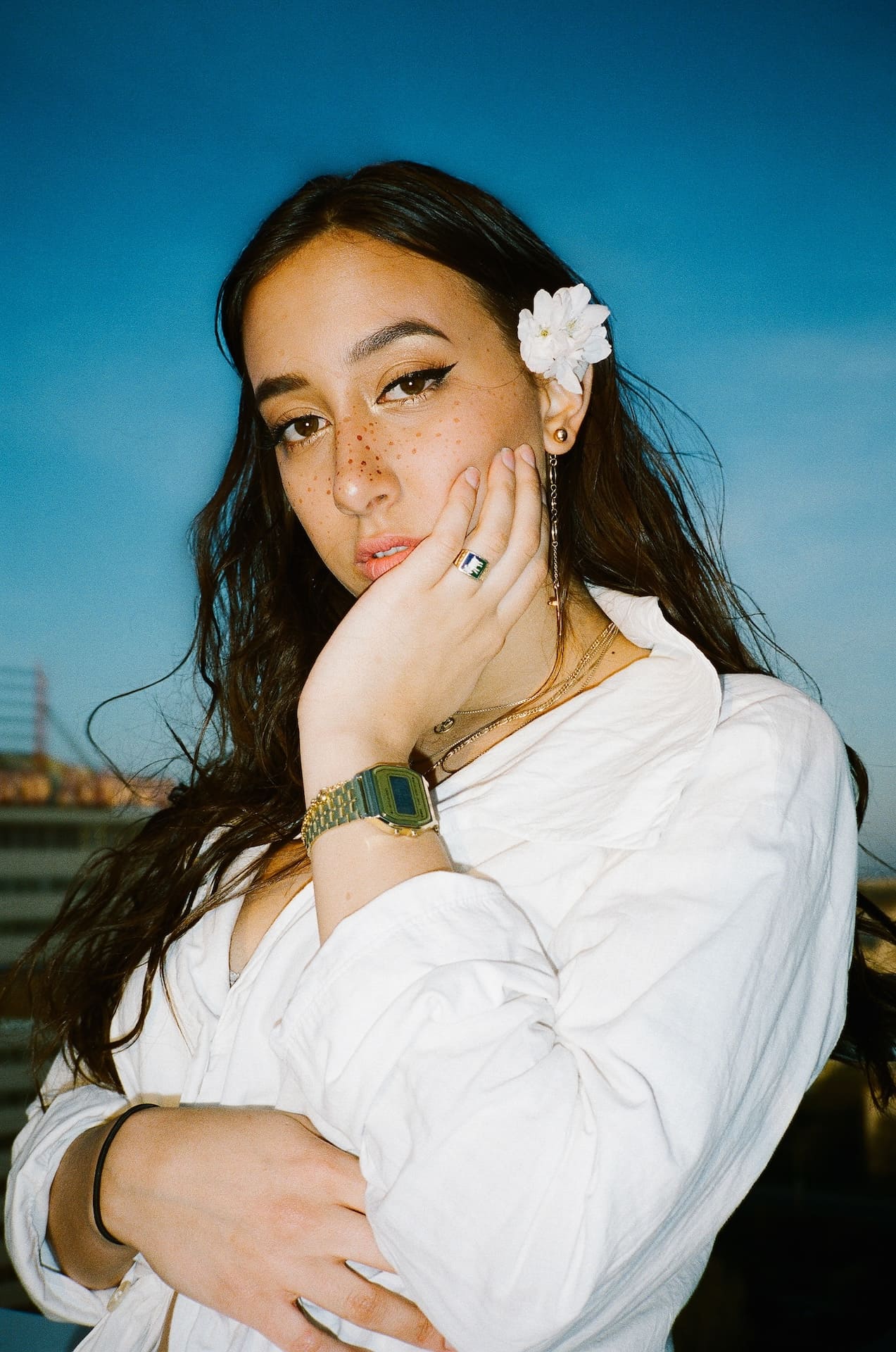

Wie konvertieren Sie ein Bild innerhalb eines mehrschichtigen PDF-Workflows?
Folgen Sie diesen drei Schritten, um mehrschichtige Bildkonvertierungen online geräteübergreifend im Rahmen eines strukturierten PDF-Ebenenverwaltungs-Workflows durchzuführen:
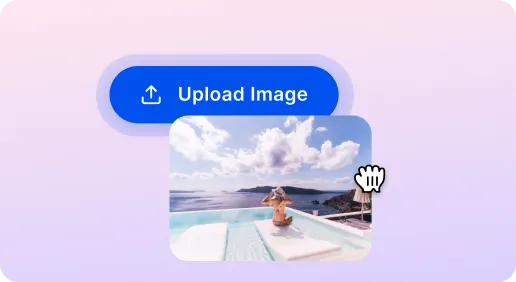
1 Laden Sie ein Bild hoch
2 Zielformat auswählen
3 Bild konvertieren
SnapEdit Image Converter: Schneller und sicherer
Bild für Website konvertieren
Bilder in JPEG oder WebP konvertieren, um die Ladeleistung in schichtbasierten Dokumenten zu optimieren und gleichzeitig die Qualität zu erhalten.
Bild für die Fotobearbeitung konvertieren
Formate für die Bearbeitung in schichtbasierten Arbeitsabläufen einfach wechseln, z. B. JPEG zu PNG, um Transparenz beizubehalten, oder HEIC zu PNG für plattformübergreifende Kompatibilität.
Veraltete Formate in weit verbreitete Formate migrieren
Legacy- oder nicht unterstützte Bildformate auf moderne, weit verbreitete Formate abbilden, um die Ebenentreue zu erhalten und die zukünftige Zugänglichkeit in mehrschichtigen PDFs sicherzustellen.

Free to Try
AIPhotor is free to try for 3 days, after which you can subscribe to one of our incredible value plans.

Free to Try
We automatically sharpen and transform your images with AI to create multiple final looks. But you can also adjust and add a prompt to customize the results. Choose what works best for you!

Quick & Easy
Screen, edit, resize and download your photos lightning fast.

Compatible with all devices
AIPhotor is available on the iOS and Android stores. Our app works seamlessly across mobile, desktop, and tablet devices.
Frequently Asked Questions
-
What is AIPhotor Photo Editor?

 AIPhotor is a visual online photo editing website that leverages AI technology to help automatically remove objects/people from images; retouch, enhance, colorize, correct, cartoonize, and animate photos in a snap, replacing other photo editing tools Photoshop, Pixlr editor, or Photopea.
Or just drag & drop image here, upto 50 images at once
Or just drag & drop image here, upto 50 images at once
Frequently Asked Questions
-
What is AIPhotor Photo Editor?
AIPhotor is a visual online photo editing website that leverages AI technology to help automatically remove objects/people from images; retouch, enhance, colorize, correct, cartoonize, and animate photos in a snap, replacing other photo editing tools Photoshop, Pixlr editor, or Photopea.
